A student in a rural school joins a live science lesson with an expert hundreds of miles away. A teacher sees, in seconds, which five students struggled with a math question and which fifteen have mastered it. A learner with a reading difficulty listens to a text read aloud while following along on screen. None of this was routine a generation ago. Today, it is increasingly ordinary, thanks to educational technology.
But technology in schools is not magic. Devices and apps only help when they serve a clear learning purpose. This guide explains what the field includes, the main categories of tools, the benefits and challenges, and practical steps for using digital tools well, whether you teach, lead a school, or simply want to understand how classrooms are changing.
What Is Educational Technology?
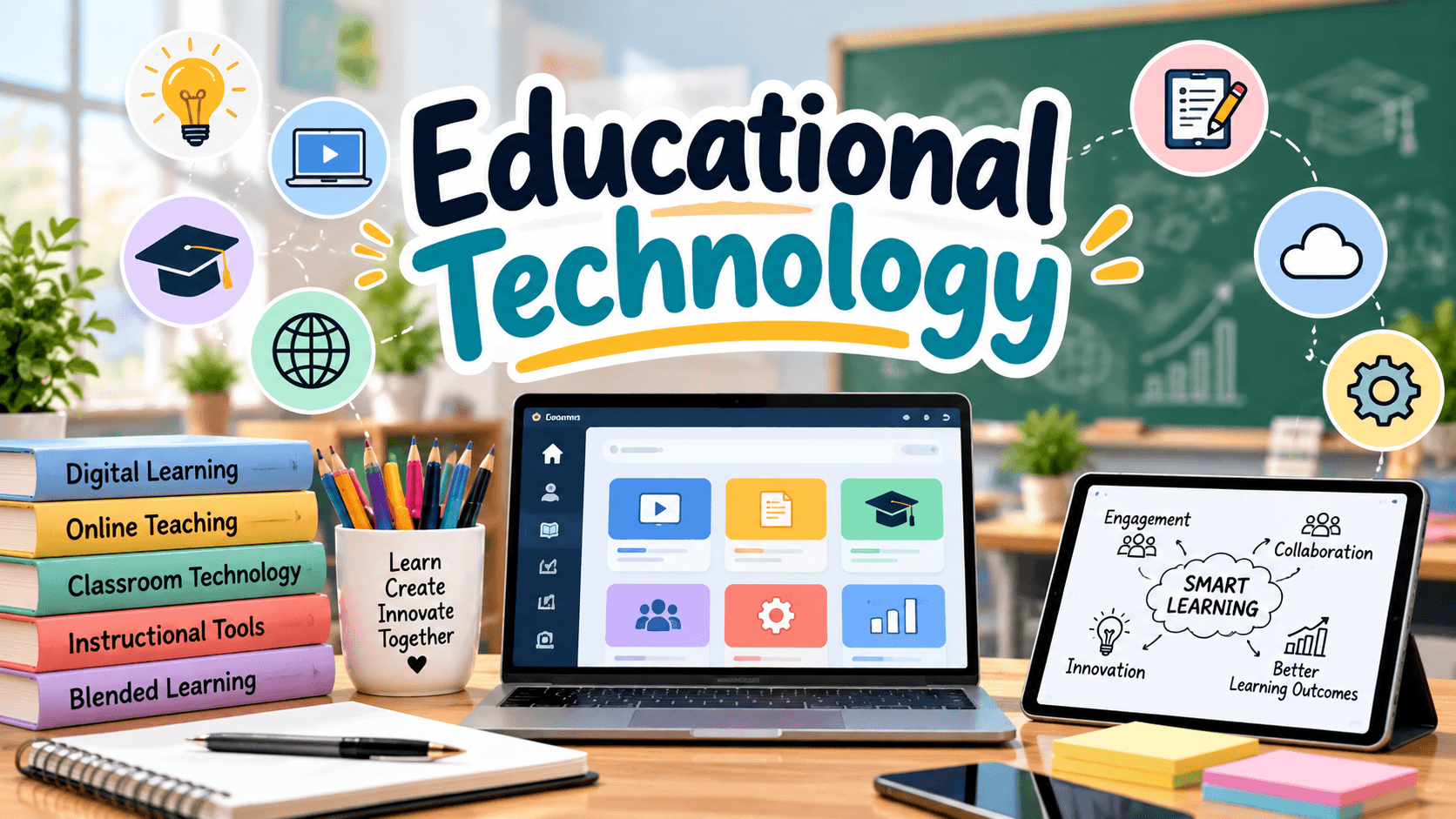
Educational technology, often shortened to EdTech, refers to the use of digital tools, systems, and practices to support teaching and learning. It covers hardware such as laptops, tablets, and interactive displays, as well as software, online platforms, multimedia content, and the methods teachers use to combine them with instruction.
It’s worth noting that the field is about more than gadgets. It also includes the design of learning experiences, the use of data to understand progress, and the skills students need to use technology responsibly. A projector alone is not a strategy, but a projector used to explore a virtual dissection with guided questions is.
Main Types of Educational Technology
The landscape is wide, so it helps to sort tools into categories.
Learning Management Systems (LMS)
An LMS is a central hub where teachers post assignments, share resources, collect work, and track grades. Students and families can see deadlines and materials in one place, which reduces confusion and lost paperwork.
Interactive and Collaborative Tools
Digital whiteboards, shared documents, discussion boards, and polling apps let students contribute ideas in real time. These tools are especially helpful for quieter students who may hesitate to speak aloud but participate well in writing.
Adaptive Learning Software
Adaptive programs adjust the difficulty of questions based on each student’s responses. A learner who masters a skill moves ahead, while one who struggles receives extra practice and hints. Used well, this supports personalized pacing.
Assessment and Feedback Tools
Online quizzes, digital exit tickets, and auto-graded exercises offer quick feedback. Teachers can spot misunderstandings immediately and adjust the next lesson, rather than discovering problems days later.
Multimedia and Simulation Resources
Educational videos, virtual labs, animations, and interactive models make abstract ideas visible. Students can explore planetary motion, chemical reactions, or historical maps in ways paper cannot match.
Assistive Technology
Screen readers, speech-to-text, text-to-speech, captioning, and adjustable displays help students with disabilities and different learning needs access the curriculum on more equal terms.
Emerging Tools: AI, Virtual Reality, and Coding Platforms
Artificial intelligence tutors, virtual and augmented reality, and beginner coding tools are growing areas. They show promise but also raise questions about accuracy, privacy, cost, and appropriate use, so thoughtful evaluation is essential.
Key Benefits of Educational Technology
When chosen and used with purpose, digital tools can offer several advantages.
Greater access. Online materials can reach students who are absent, live far from a school, or need to review at their own pace. Recorded lessons and digital libraries extend learning beyond the classroom walls.
Personalization. Technology makes it easier to give different students different tasks, supports, and pacing without multiplying the teacher’s workload.
Faster feedback. Instant results help students correct errors early and give teachers usable data on the same day.
Higher engagement. Interactive activities, multimedia, and creative projects can make lessons more active and memorable.
Collaboration and communication. Shared tools let students work together across desks, schools, and even countries, while giving families clearer windows into learning.
Real-world skills. Students practice digital communication, research, and problem-solving, all of which matter in modern study and work.
Challenges and Limitations
An honest picture includes the difficulties, too.
The digital divide. Not every student has reliable internet or a suitable device at home. Assignments that assume access can widen existing gaps.
Distraction. Devices open the door to games, messages, and social media. Clear routines and purposeful task design are essential.
Privacy and data security. Many platforms collect student information. Schools need to review privacy policies, follow relevant laws, and teach students safe online habits.
Uneven training. Teachers need time and support to learn new tools. Without professional development, even excellent software goes unused or is used poorly.
Cost and sustainability. Licenses, devices, repairs, and upgrades add up. Free tools can change their terms, so long-term planning matters.
Overreliance. Screens should not replace discussion, hands-on activity, reading printed texts, or face-to-face relationships. Balance remains important.
How to Choose the Right Tools
With thousands of options, selection can feel overwhelming. A simple set of questions helps.
What learning problem am I solving? Start with the need, not the tool.
Does it fit my goals? Check that it supports your curriculum and skills, not just entertainment.
Is it easy to learn and use? If students need lengthy tutorials, the time cost may outweigh the benefit.
Is it accessible? Look for features such as captions, keyboard navigation, and readable text for diverse learners.
How does it handle data? Read privacy statements and confirm your school’s approval process.
What does it cost, now and later? Consider licenses, support, and whether a free version will meet your needs.
Does it work with what we already use? Compatibility with existing systems reduces frustration.
Pilot a new tool with one class or unit before rolling it out widely, and gather feedback from students and colleagues.
Best Practices for Using Technology in the Classroom
Choosing well is only half the task. How you use tools matters just as much.
Lead with learning goals. Decide what students should learn first, then pick the technology that supports it.
Teach digital skills explicitly. Do not assume students know how to search reliably, evaluate sources, cite material, or protect their privacy. Model and practice these skills.
Set clear expectations. Explain when devices are for use, when they are closed, and what responsible behavior looks like.
Blend digital and non-digital activities. Combine online tools with discussion, writing by hand, and hands-on tasks for a balanced experience.
Use data thoughtfully. Dashboards and reports are helpful, but numbers are only one piece of the picture. Pair them with your own observations.
Have a backup plan. Internet outages and login problems happen. Keep an offline alternative ready.
Reflect and adjust. After using a tool, ask what worked, what confused students, and whether it truly improved learning.
Frequently Asked Questions
Does technology improve learning results?
Research findings are mixed and depend heavily on how tools are used. Technology tends to help most when it supports strong teaching, provides timely feedback, and is tied to clear goals. Simply adding devices does not guarantee improvement.
How much screen time is appropriate in school?
There is no single answer. It varies by age, subject, and purpose. Many educators aim for a mix of active, creative uses and offline activities, especially with younger children.
Is educational technology only for older students?
No. Younger learners can use age-appropriate tools such as interactive stories, simple drawing apps, and early literacy games, ideally in short, guided sessions.
How can schools support teachers in using new tools?
Through regular training, time to practice, peer sharing, and a manageable list of approved tools rather than an overwhelming menu.
What should families know?
Parents and guardians can ask which platforms their child uses, review privacy information, encourage healthy device habits, and stay in touch with teachers about how tools are supporting learning.
Final Thoughts
The promise of educational technology lies not in the newest device or the flashiest app, but in how well tools serve real learners. When schools choose thoughtfully, protect student privacy, support teachers, and keep human connection at the center, technology can widen access, personalize learning, and make classrooms more interactive.
If you’re just getting started, pick a single challenge, such as giving faster feedback or supporting students who need extra help, and explore one tool that addresses it. Test it, reflect, and adjust. Small, deliberate steps build lasting confidence, and they keep the focus where it belongs: on students and the learning they do every day.