
It’s 11 p.m. on a Sunday. You have 28 students, a cup of cold coffee, and a blinking cursor on comment number nine. Every teacher knows this scene. Report season is one of the most draining parts of the school year not because you don’t know your students, but because turning what you know into polished, parent-ready paragraphs takes hours you simply don’t have.
That’s exactly why AI report card comments have become one of the fastest-growing tools in classrooms worldwide. Used well, they don’t replace your voice they amplify it, helping you produce warm, accurate, personalized report card comments in a fraction of the time.
In this guide, we’ll break down how is actually work, when to use them, real end of term comments examples, and how to keep every comment sounding like it came from you because it did.
What Are AI Report Card Comments?
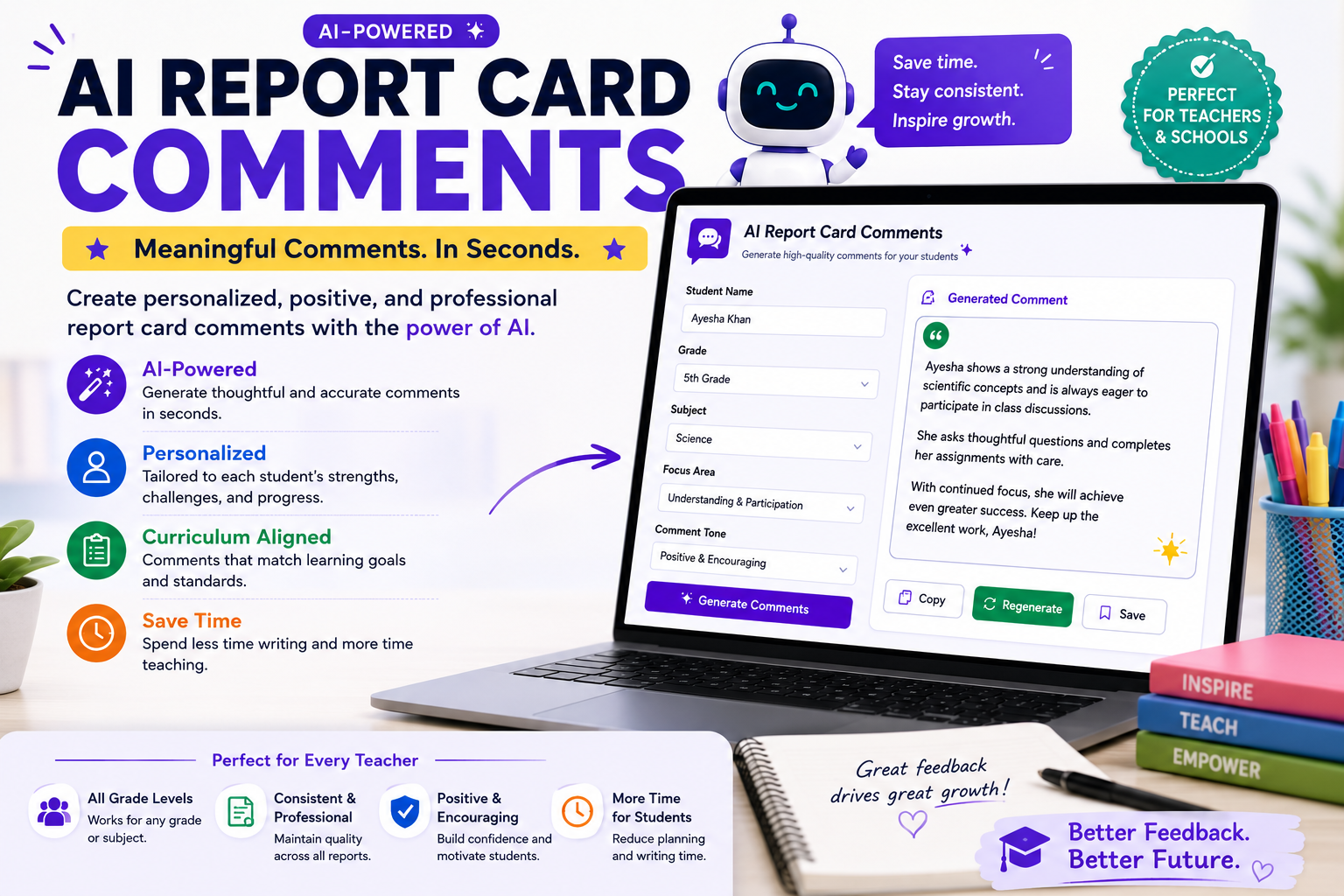
AI report card comments are student feedback statements drafted with the help of an artificial intelligence writing tool. You provide the key inputs the student’s name, strengths, areas for growth, subject, and tone and the AI turns those notes into a complete, well-structured comment.
Think of a report card comment generator as a very fast writing assistant. It doesn’t know your students. You do. The AI simply handles the part that eats up your evenings: transforming bullet points into fluent sentences that are professional, positive, and appropriate for parents.
The best part? A task that once took 15 minutes per student can now take two or three which, across a full class, means you genuinely save time on report cards without sacrificing quality.
Why Teachers Are Turning to AI for Report Writing
Writing thirty unique comments is hard for reasons that have nothing to do with effort:
Repetition fatigue. By student twelve, every sentence starts sounding the same. “A pleasure to teach” appears six times before you notice. AI report card comments break that loop by generating fresh phrasing every time.
The blank page problem. Knowing that Ahmed struggles with fractions but works hard is easy. Writing that diplomatically for his parents is the hard part. A report card comment generator gives you a solid first draft to react to, which is far easier than starting from nothing.
Tone balancing. Comments need to be honest but encouraging, specific but concise. AI tools are surprisingly good at this balance especially when you tell them the tone you want.
Sheer volume. Secondary teachers may write comments for 100+ students across multiple classes. At that scale, AI comments for students aren’t a luxury; they’re survival.
How to Write AI Report Card Comments (Step by Step)
Here’s a simple workflow that produces personalized report card comments rather than generic filler:
Step 1: Gather your notes first
Before opening any tool, jot down three things per student: one genuine strength, one area for growth, and one specific example or observation. This 60-second step is what makes the final comment feel personal.
Step 2: Write a clear prompt
Instead of “write a report card comment,” try something like:
“Write a 4-sentence end-of-term comment for a Year 5 student named Sara. Strengths: creative writing, helps classmates. Growth area: rushing through math work. Tone: warm and encouraging. Include one suggestion for home support.”
Step 3: Generate, then edit
Never copy-paste the first draft untouched. Read it aloud. Swap in your own phrases. Add the details only you would know “her poem about the monsoon” or “his improvement since the October assessment.” Editing takes one minute and transforms AI comments for students into your comments.
Step 4: Check accuracy and policy
Verify that nothing in the comment overstates or understates performance, and confirm your school’s policy on AI use. Many schools now allow AI drafting as long as teachers review and personalize every comment, a sensible standard worth following.
End of Term Comments Examples (AI-Assisted)
Here are sample outputs to show what well-prompted AI report card comments look like across different situations.
High achiever (Primary): “Zainab has had an outstanding term in English. Her creative writing shows imagination well beyond her year level, and she consistently supports classmates during group work. Next term, I’d love to see her challenge herself with more complex reading material.
Student needing support (Math): “Daniel has shown real determination in mathematics this term. While multi-step problems remain a challenge, his willingness to attempt corrections and ask questions is exactly the right attitude. Regular practice with times tables at home would give him a strong foundation for next term.”
Behavior-focused comment: “Ali is an energetic and sociable member of our class. This term, our focus has been on channeling that energy into focused work time, and he has made encouraging progress, particularly in the last month. With continued consistency, I’m confident next term will be his strongest yet.”
Balanced end-of-year comment: “Maryam ends the year as a thoughtful, dependable student who has grown noticeably in independence. Her science projects reflected genuine curiosity and careful research. Building confidence in class discussions is our next goal, and I have no doubt she’ll rise to it.”
Notice what these end of term comments examples share: a specific strength, an honest growth area framed constructively, and a forward-looking close. That structure is easy to request in every prompt.
Choosing a Report Card Comment Generator
You have more options than ever in 2026:
General AI assistants (like Claude or similar chat tools) are flexible and free or low-cost. You control the prompt fully, which means you control the tone. They’re ideal if you want batch generation paste notes for ten students and get ten drafts.
Dedicated education tools offer templated inputs (dropdowns for subject, level, tone) which some teachers find faster. Many include comment banks alongside the AI generator.
School-integrated platforms increasingly build AI drafting directly into report software, keeping everything in one place.
Whichever report card comment generator you choose, apply the same rule: the tool drafts, the teacher decides.
Read more: free AI tools for teachers
Keeping AI Comments Personal, Ethical, and Safe
A few guardrails keep AI report card comments professional:
Protect student privacy. Avoid entering sensitive information diagnoses, family circumstances, disciplinary records into public AI tools. First names and academic observations are generally fine; anything confidential is not. When in doubt, anonymize (“a Year 4 student”) and add the name afterward.
Stay honest. AI tends toward positivity. If a comment glosses over a real concern, edit it. Parents deserve accuracy, and vague praise helps no one.
Keep your fingerprint on it. The fastest way to spot a lazy AI comment is that it could describe anyone. One concrete, specific detail per comment a project, a moment, a measurable improvement makes the difference between generic and genuinely personalized report card comments.
Follow your school’s guidance. Policies are evolving quickly. Being transparent with your administration builds trust and often helps shape sensible rules.
The Real Payoff: Time Back and Better Feedback
Teachers who adopt this workflow consistently report the same two outcomes. First, the obvious one: they save time on report cards often cutting report-writing weekends down to a single focused afternoon. Second, and more surprising: comment quality goes up. Because the AI handles sentence construction, teachers spend their limited energy on the part that matters deciding what each child actually needs to hear.
That’s the right way to think about it. They’re not a shortcut around caring about students. They’re a shortcut around the typing so the caring comes through more clearly.
Final Thoughts
Report writing will never be anyone’s favorite part of teaching, but it no longer has to consume your evenings. With good notes, clear prompts, and a quick personal edit, AI report card comments let you deliver feedback that is faster to write and better to read.
Start small this term: draft five comments with AI, edit them your way, and compare the time spent against your usual process. Most teachers never go back.
Quick recap: Gather specific notes per student, prompt the AI with tone and details, always edit before submitting, protect student privacy, and keep one personal detail in every comment. Do that, and AI report card comments become one of the most valuable tools in your teaching toolkit.
Further reading: U.S. Department of Education: student privacy guidance.