
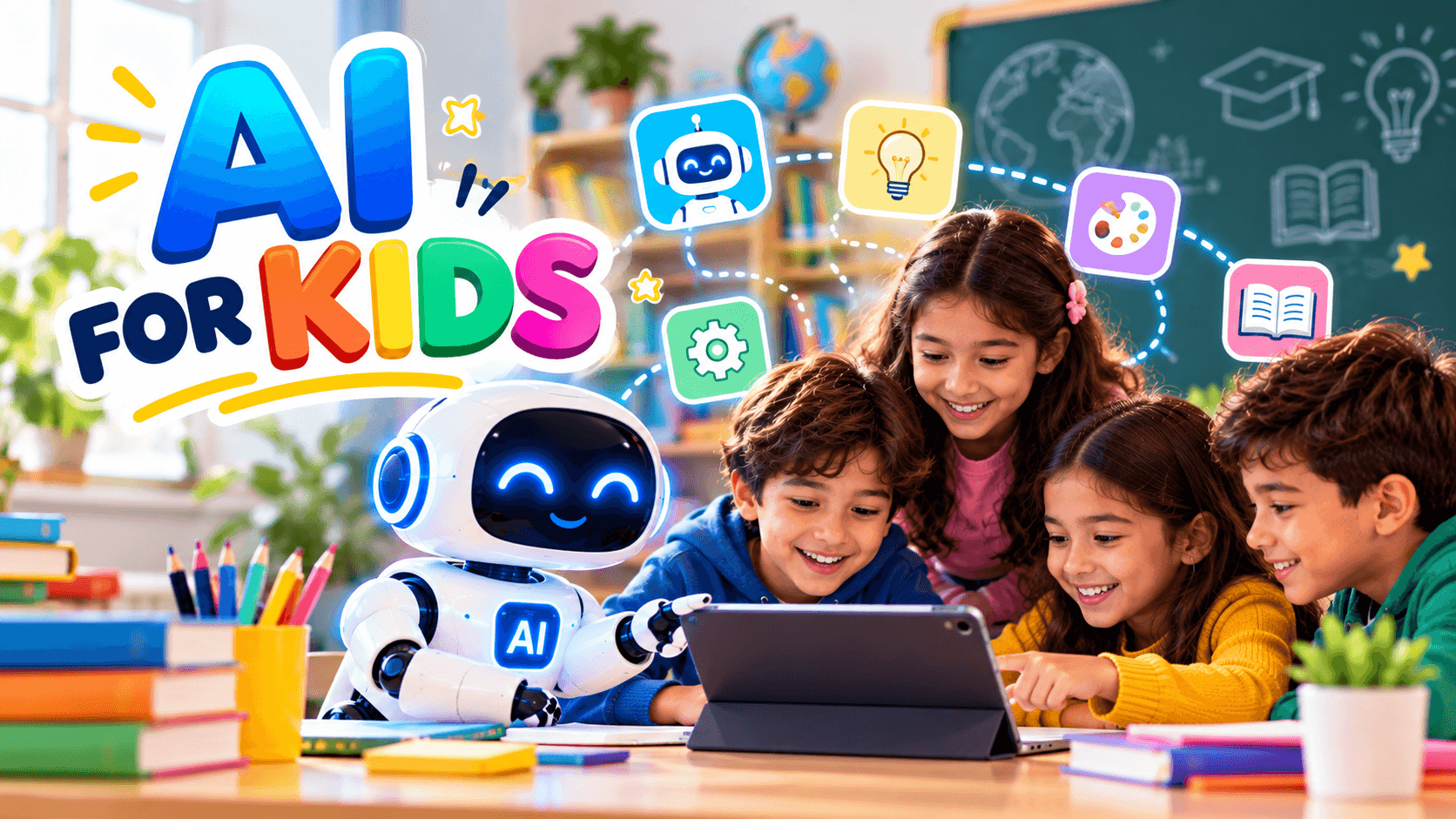
Your child asks a smart speaker to play a song, watches videos chosen by an algorithm, and chats with a game character that seems to know what happens next. Artificial intelligence is already part of childhood. The real question for parents and teachers is not whether children will meet it, but how. This guide explains AI for kids in plain language: what it is, how it helps, where the risks are, and how to introduce it safely at every age.
What Is AI for Kids?
Artificial intelligence (AI) is technology that lets computers perform tasks that normally require human thinking, such as recognizing speech, translating languages, spotting patterns in photos, or recommending what to watch next. AI does not “think” like a person. It learns patterns from huge amounts of data and uses them to make predictions.
When we talk about AI for kids, we usually mean three things:
- Tools children use, such as voice assistants, learning apps, and AI chatbots.
- Learning about AI, meaning how it works, what it can and cannot do, and why it sometimes makes mistakes.
- Creating with AI, such as training a simple model to recognize drawings or coding a small chatbot.
A helpful way to explain it to a child: “AI is like a very fast student that learns by looking at millions of examples. It’s good at spotting patterns, but it doesn’t understand the world the way you do.”
How Children Already Meet AI Every Day
Many parents are surprised by how often kids interact with AI without realizing it. Common examples include:
- Voice assistants that answer questions, set timers, or tell jokes.
- Video and music platforms that suggest the next clip or song based on what your child watched before.
- Photo filters and camera apps that detect faces and add effects.
- Educational apps that adjust math or reading questions to a child’s level.
- Translation tools that help children read and speak new languages.
- Video games where non-player characters react to how a child plays.
- Spell checkers and writing helpers that correct mistakes and suggest words.
Because AI is so woven into daily life, helping children understand it early is a bit like teaching road safety: they will encounter it whether or not we plan for it, so it is better to prepare them.
Key Benefits of AI for Kids
When used thoughtfully, AI can support children’s growth in real ways.
Personalized learning
Adaptive learning platforms notice when a child struggles with fractions or breezes through spelling, then adjust the difficulty. This lets each child learn at their own pace, without feeling rushed or bored.
Instant, patient help
An AI tutor never gets tired of the question “why?” A child can ask the same thing five different ways and receive a fresh explanation each time. For homework support, this can build confidence, especially when a parent is busy.
Creativity and imagination
Children can use AI tools to brainstorm story ideas, create characters, compose simple tunes, or turn a drawing into an animated scene. Used well, AI becomes a creative partner rather than a replacement for a child’s own imagination.
Accessibility and inclusion
AI-powered tools can read text aloud, convert speech to text, and translate languages. For children with dyslexia, hearing difficulties, or language barriers, these features can open doors that were once closed.
Future-ready skills
Understanding how AI works builds critical thinking, problem-solving, and digital literacy. These skills matter in almost every career, not only in technology.
Is AI for Kids Safe? Risks Parents Should Know
Like any powerful technology, AI comes with risks. Knowing them lets you set sensible boundaries instead of reacting out of fear.
1. Inaccurate information. AI tools can produce answers that sound confident but are wrong. Children may not have the experience to notice. Teach them that AI can make mistakes and that important facts should be checked with a trusted source.
2. Privacy concerns. Many apps collect data such as voice recordings, names, locations, and photos. Check privacy settings, use child-friendly platforms, and teach kids never to share full names, addresses, school names, or passwords with any chatbot.
3. Inappropriate content. General-purpose AI tools are not always designed for young users. Filters can fail, so supervision matters, especially for younger children.
4. Over-reliance. If a child asks AI to write every essay or solve every problem, they miss the struggle that builds skills. The goal is for AI to support learning, not replace it.
5. Bias. AI learns from human-made data, which can contain stereotypes. A child who understands this can learn to question results instead of accepting them blindly.
6. Screen time and emotional attachment. Chatbots can feel friendly and human. Remind children that AI is a tool, not a friend, and that real relationships with family and peers matter most.
Most AI companies set minimum age requirements for their products, often 13 or older, and some require parental consent. Always read the terms before letting a child use a tool.
Age-by-Age Guide
The best approach to AI for kids changes as children grow. Here is a simple roadmap.
Ages 3 to 6: Explore together
Keep it hands-on and screen-light. Talk about smart speakers and how they “listen.” Play simple sorting games that show how computers recognize patterns, like grouping toys by color or shape. Always use AI together with a grown-up at this stage.
Ages 7 to 10: Learn and experiment
Children this age can begin to understand that machines learn from examples. Try kid-friendly coding platforms such as Scratch, which now include beginner AI extensions. Supervised use of learning apps is appropriate, and this is the perfect time to introduce the “double-check” habit.
Ages 11 to 14: Think critically
Pre-teens can discuss deeper questions: How does a recommendation algorithm work? Why might AI be biased? Encourage them to compare AI answers with textbooks or reliable websites. Set clear rules about homework, so AI supports understanding rather than doing the work.
Ages 15 and up: Build responsibly
Teens can explore real AI tools, learn basic programming in Python, and even build small machine learning projects. Talk openly about ethics, deepfakes, misinformation, academic honesty, and how AI may shape future careers.
Simple Activities to Explore AI for Kids at Home
Try these fun, low-cost ideas:
- The Pattern Game: Lay out a sequence of objects and ask your child to predict what comes next. Explain that this is how AI makes predictions.
- Human vs. Machine Quiz: Ask a voice assistant a mix of easy and tricky questions. Which did it answer well? Where did it fail? Discuss why.
- Teach a Model: Use free tools like Google’s Teachable Machine, which lets children train a model to recognize gestures, objects, or sounds using a webcam.
- Spot the Algorithm: Look at a video platform’s recommendations together. Ask, “Why do you think it suggested this?”
- Fact-Check Challenge: Ask an AI chatbot a question, then verify the answer using a book or trusted website. Award points for catching mistakes.
- Story Co-Creation: Let your child write the first half of a story and use AI to suggest possible endings, then have them choose or rewrite their favorite.
These activities turn passive screen use into active thinking.
Practical Tips for Parents and Teachers
Setting healthy rules around AI for kids does not have to be complicated. Try these habits:
- Stay involved. Sit with younger children while they use AI tools and ask about what they discover.
- Set clear rules. Decide when AI is allowed, for what tasks, and for how long.
- Choose age-appropriate tools. Look for platforms built for children, with strong privacy protections and content filters.
- Model good behavior. Let children see you double-checking AI answers and using it thoughtfully.
- Encourage curiosity. Reward good questions, not just quick answers.
- Keep communication open. Make it easy for children to tell you if something confusing or upsetting appears on screen, without fear of punishment.
- Balance with offline life. Reading, outdoor play, art, and face-to-face conversation remain essential to healthy development.
Teachers can add to this by including short AI literacy lessons, discussing responsible use in class, and designing assignments that reward original thinking.
Frequently Asked Questions
Basic concepts, like pattern recognition, can be introduced through play from around age 4 or 5. Direct use of AI tools should match the platform’s age requirements and be supervised.
Will AI replace teachers or hurt children’s creativity?
Experts generally agree AI is best used as a support tool. Teachers provide guidance, empathy, and judgment that technology cannot. Creativity thrives when children use AI to spark ideas while still doing their own thinking.
How can I tell if an app is safe for my child?
Read the privacy policy, check the age rating, look for parental controls, and search for independent reviews from child safety organizations.
No. Coding helps, but understanding how AI learns, where it fails, and how to use it responsibly is valuable for every child.
Final Thoughts
With curiosity, clear boundaries, and honest conversations, AI for kids can be a powerful way to spark creativity, build skills, and prepare young minds for the future. The goal is not to raise children who depend on machines, but to raise thoughtful humans who know how to use them wisely.
Start small: pick one activity from this guide, try it this week, and keep the conversation going. The best lessons about AI begin with a curious question and a parent or teacher willing to explore the answer together.
Related guides
AI quiz tools for K–5 classrooms · Student data privacy and AI · AI in education: benefits and challenges
Further reading: UNESCO guidance on generative AI in education and research.