
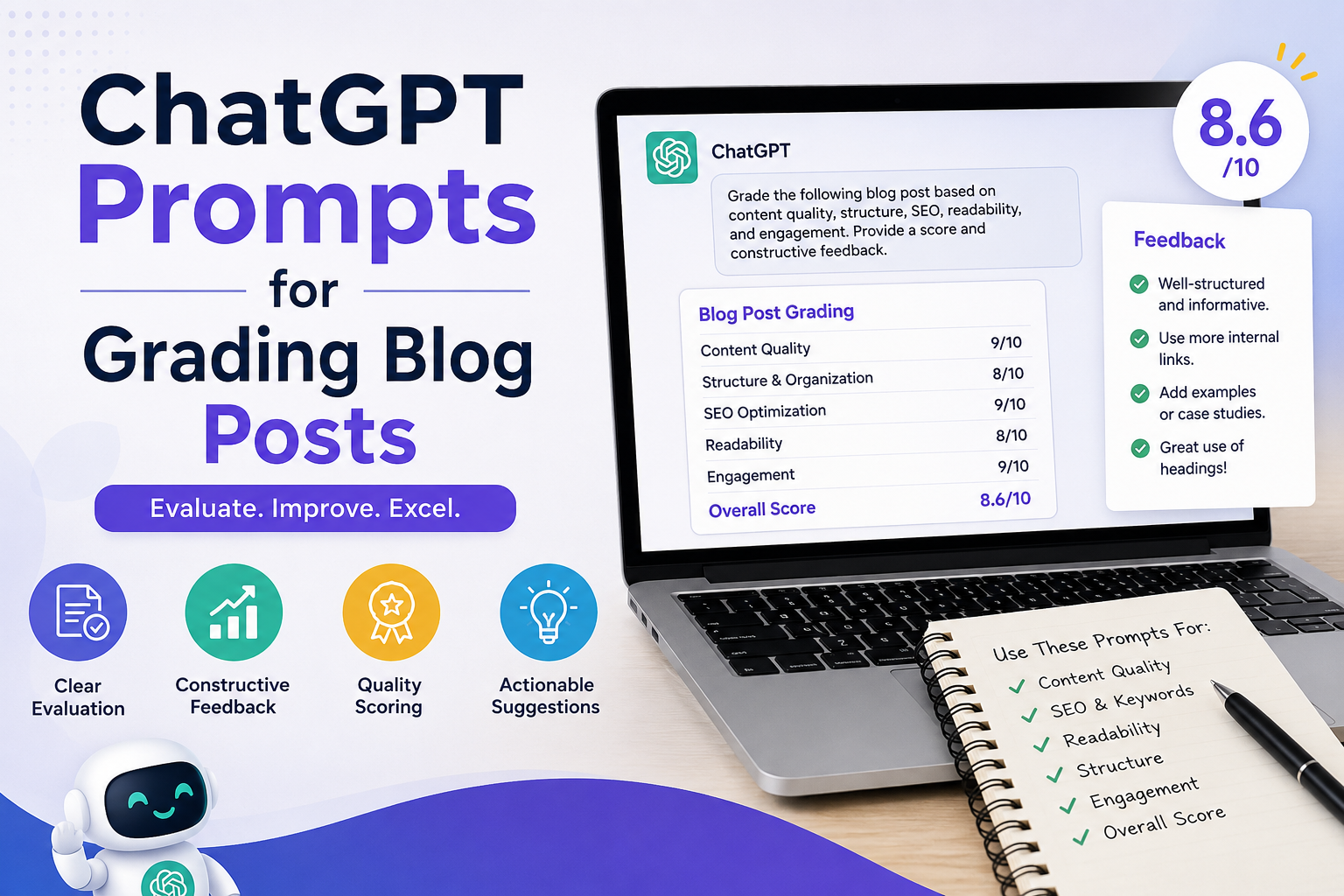
Grading is the part of teaching that eats evenings and weekends without ever feeling finished. If you’ve been looking for chat prompts for grading that actually hold up across real classroom writing, not just generic “grade this” one-liners, this article gives you 20 tested templates, organized by task, that you can copy, paste, and adapt today.
We’ll cover essay feedback, rubric-based grading, short-answer checks, and comment banks you can reuse all year.
Read more: Promptchalk
Quick-Answer Box: Which Prompt Do You Need?
| If you need to… | Jump to prompt # |
| Grade an essay against a rubric | Prompts 1–5 |
| Write personalized student feedback | Prompts 6–10 |
| Speed up short-answer / quiz grading | Prompts 11–14 |
| Generate constructive feedback comments | Prompts 15–17 |
| Build a reusable feedback bank | Prompts 18–20 |
Why Use ChatGPT Prompts for Grading in the First Place?
Teachers spend an average of several hours a week on grading and feedback alone, according to teacher workload surveys reported by Education Week. That time comes directly out of planning, family communication, or personal time. chatgpt prompts for grading don’t replace teacher judgment; they replace the blank-page problem of writing 30 individual comments from scratch. You still review and adjust every output; the AI just gets you to a strong first draft in seconds instead of minutes per student.
Essay Feedback with AI: 5 Prompts for Rubric-Based Grading
Essay feedback with ai works best when you give ChatGPT your actual rubric, not a vague instruction. Paste your criteria directly into the prompt.
Prompt 1 Full rubric scoring: “Here is my grading rubric: [paste rubric]. Here is a student essay: [paste essay]. Score the essay against each rubric category, explain the score in 1-2 sentences per category, and suggest one specific revision.”
Prompt 2 Thesis statement check: “Evaluate whether this essay’s thesis statement is clear, specific, and arguable: [paste thesis]. Suggest one stronger alternative if it’s weak.”
Prompt 3 Evidence and citation check: “Review this essay for how well evidence supports each claim: [paste essay]. Flag any paragraph where the evidence is missing, weak, or unrelated to the claim.”
Prompt 4 Grammar-only pass: “List only grammar, punctuation, and spelling errors in this essay, with corrections. Do not comment on content or structure: [paste essay].”
Prompt 5 Grade-level tone check: “Assess whether this essay’s vocabulary and sentence complexity match a [grade] reading level. Note any sentences that are too advanced or too simple for that level.”
Student Feedback Examples: 5 Prompts for Personalized Comments
Generic feedback gets ignored. These student feedback examples push ChatGPT to sound specific and human.
Prompt 6 Strengths-first feedback: “Write 3 sentences of feedback for this student’s work. Start with a specific strength, then one clear area to improve, then one actionable next step: [paste work].”
Prompt 7 Growth-focused feedback: “Compare this student’s current draft to their previous draft: [paste both]. Write feedback that acknowledges specific growth and names the next skill to work on.”
Read more: how to create a lesson plan with ai
Prompt 8 Feedback for reluctant writers: “Write encouraging, low-pressure feedback for a student who struggles with writing confidence. Focus on effort and one small, achievable improvement: [paste work].”
Prompt 9 Peer-review-style feedback: “Write feedback in a warm, peer-review tone (like a supportive classmate, not a grader) for this piece of writing: [paste work].”
Prompt 10 Parent-friendly feedback: “Rewrite this feedback so a parent unfamiliar with grading rubrics can understand what their child did well and what to work on: [paste feedback].”
Grading Faster with ChatGPT: 4 Prompts for Short Answers & Quizzes
Grading faster with chatgpt matters most on high-volume, low-complexity tasks like quizzes and short-answer questions.
Prompt 11 Batch short-answer grading: “Here are the correct answer and grading criteria: [paste]. Grade the following student responses as correct, partially correct, or incorrect, with a one-line reason each: [paste responses].”
Prompt 12 Open-ended answer scoring: “Score this open-ended response out of [X] points based on this rubric: [paste rubric]. Show your point breakdown.”
Prompt 13 Math word-problem check: “Check this student’s math work for the correct final answer and correct reasoning steps. Note exactly where the error occurs, if any: [paste work].”
Prompt 14 True/false and multiple-choice explanations: “For each incorrect answer below, write a one-sentence explanation a student could read to understand their mistake: [paste answers and correct answers].”
Constructive Feedback Generator: 3 Prompts for Comment Writing
Use ChatGPT as a constructive feedback generator when you need tone-perfect comments fast, without sounding robotic or harsh.
Prompt 15 Tone softener: “Rewrite this feedback to sound more encouraging while keeping the same substance: [paste feedback].”
Prompt 16 Specificity booster: “Rewrite this vague feedback to reference specific lines or examples from the student’s work: [paste feedback + paste work].”
Prompt 17 Report card comment bank: “Write 5 report card comment variations for a student who is [strong/struggling] in [subject], covering effort, growth, and next steps.”
Build a Reusable Feedback Bank: 3 Final Prompts
Prompt 18 Comment bank by skill: “Create a bank of 10 feedback comments for common writing issues: run-on sentences, weak thesis, unclear transitions, and lack of evidence.”
Prompt 19 Rubric-to-comment converter: “Turn each line of this rubric into a ready-to-use feedback comment I can paste for students who meet, exceed, or fall short of that criteria: [paste rubric].”
Prompt 20 End-of-term summary comments: “Using these notes on a student’s performance this term: [paste notes], write a 3-sentence summary comment suitable for a report card.”
Mixed Ability Classroom Strategies for Using These Prompts
If your class spans several ability levels, don’t grade everyone against identical AI output. Adjust the rubric or grade-level language in the prompt (see Prompt 5) so feedback matches where each student actually is; this keeps AI-assisted grading fair rather than one-size-fits-all.
FAQ
Is it okay to use ChatGPT prompts for grading without violating academic policy? Most schools are fine with AI-assisted grading as long as a teacher reviews and finalizes every grade and comments and checks your district’s AI policy, since rules vary by state and school board.
Do these prompts work for subjects besides English/ELA? Yes. Prompts 1, 11, 12, and 13 adapt directly to science lab reports, history essays, and math problem sets just swap the rubric or answer key you paste in.
How do I keep AI feedback from sounding generic? Always paste the actual student work into the prompt rather than describing it.
Can ChatGPT replace a rubric entirely? No it scores against whatever rubric or criteria you give it. Without one, output is inconsistent. Always paste your rubric first.
Bottom Line
These 20 prompts won’t grade your class for you, but they’ll get you a strong, specific first draft of feedback in seconds, the part that used to take the longest. Start with 2-3 prompts that match your biggest grading bottleneck, not all 20 at once.
Affiliate disclosure:
Read more: magicschool ai vs eduaide