
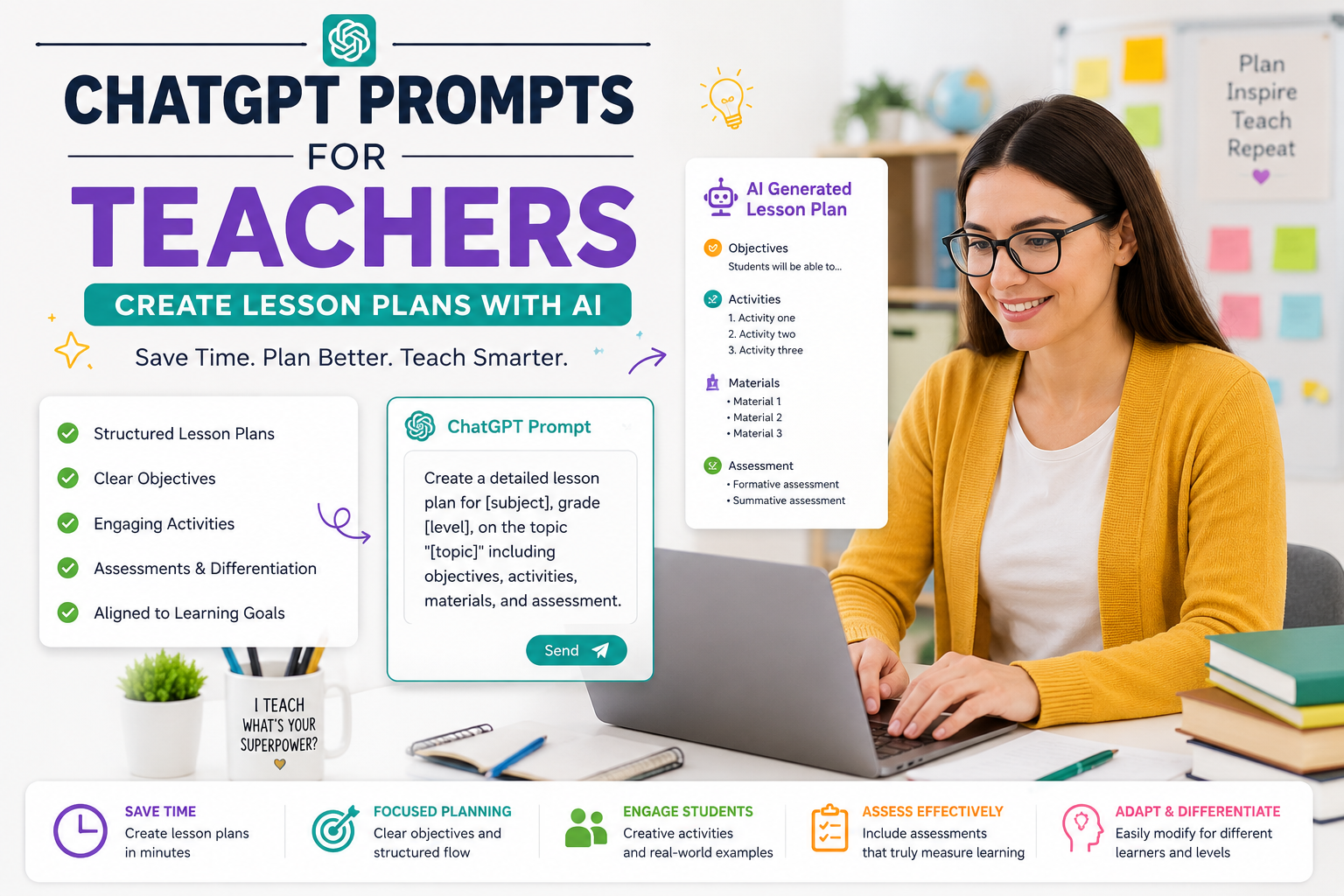
Before we get to the prompts, let’s clear something up: ChatGPT isn’t here to replace teachers. It’s here to remove the repetitive, time-consuming parts of the job so you can focus on what actually matters your students.
Think of ChatGPT as an unpaid teaching assistant who never sleeps. It can draft a lesson plan in 30 seconds, generate 20 quiz questions in a minute, and suggest five different ways to explain photosynthesis to a struggling learner. But here’s the catch: the quality of what you get depends entirely on the quality of what you ask.
That’s why learning to write effective ChatGPT prompts for teachers is quickly becoming an essential professional skill. A vague prompt like “make a lesson plan” gives you a generic result. A detailed prompt gives you something you can actually use on Monday morning.
The Golden Formula for Great Prompts
Every strong teaching prompt includes four ingredients:
- Role – Tell the AI who to be (“Act as an experienced 5th-grade science teacher”)
- Context – Add details (“for a class of 28 students, mixed ability levels, limited lab equipment”)
Keep this formula in mind as you copy the prompt examples for educators below and don’t be afraid to customize them.
ChatGPT Prompts for Lesson Planning
Lesson planning eats up more teacher time than almost anything else. These AI prompts for lesson planning can cut that time from hours to minutes.
1. The Complete Lesson Plan
“Act as an experienced [grade level] [subject] teacher. Create a detailed 45-minute lesson plan on [topic]. Include a learning objective, a 5-minute warm-up activity, direct instruction, guided practice, independent practice, and an exit ticket. Format it as a table with timings.”
2. The Unit Planner
“Design a 2-week unit plan on [topic] for [grade level]. Break it into daily lessons, each with an objective, key vocabulary, one activity, and a formative assessment. Align it with curriculum/standards.
3. The Backwards Design Prompt
“Using backwards design, help me plan a unit on [topic]. Start with the end goal: students should be able to [skill]. Then suggest assessments that prove mastery, and finally the lessons that build toward it.”
4. The Hook Generator
“Give me 5 attention-grabbing hooks to open a lesson on [topic] for [grade level] students. Include one question-based hook, one story-based hook, one visual hook, one hands-on hook, and one surprising fact.”
5. The Simplifier
Pro tip: After Chatgpt Prompts For Teachers a plan, follow up with “Now adapt this for students with reading difficulties” or “Add a technology-integration option.” Iteration is where the real magic happens.
ChatGPT Prompts for Grading and Feedback
Grading is where teachers lose their evenings and weekends. While AI should never assign final grades on its own, these ChatGPT prompts for grading can dramatically speed up feedback and rubric creation.
6. The Rubric Builder
“Create a 4-level rubric (Excellent, Good, Developing, Beginning) for a [grade level] [assignment type] on [topic]. Include criteria for content, organization, evidence, and mechanics. Format as a table.”
7. The Feedback Assistant
“Here is a student essay: [paste text]. Write constructive feedback using the ‘glow and grow’ method two specific strengths and two specific areas for improvement. Keep the tone encouraging and appropriate for a [grade level] student.”
8. The Comment Bank Creator
“Generate 20 report card comments for [subject], covering high achievers, average performers, and struggling students. Make each comment specific, positive in tone, and under 40 words.”
9. The Error Pattern Analyzer
“I’ll paste 5 anonymous student answers to the same math problem. Identify the common misconceptions and suggest a 10-minute reteaching activity to address them.”
10. The Quiz Generator
Include an answer key with explanations.”
Important: Always remove student names before pasting any work into an AI tool, and follow your school’s data privacy policy. Feedback should be reviewed and personalized by you before it reaches students.
ChatGPT Prompts for Classroom Activities
Need fresh ideas fast? These ChatGPT classroom activities prompts turn a boring review day into something students actually enjoy.
11. The Game Designer
“Design a classroom review game for [topic] that works for [number] students, requires no technology, takes 20 minutes, and gets students out of their seats.”
12. The Debate Setup
“Create a structured classroom debate on [topic] for [grade level]. Provide the resolution statement, 3 arguments for each side, speaking rules, and a peer evaluation sheet.”
13. The Station Rotation
Each station should take 10 minutes and target a different learning style: visual, auditory, kinesthetic, and reading/writing.”
14. The Role-Play Scenario
“Write a role-play scenario where students act as [historical figures/scientists/characters] discussing [topic]. Include character cards with background info and 3 discussion questions.”
15. The Escape Room Challenge
“Create a classroom ‘escape room’ with 4 puzzles based on [topic] for [grade level]. Each solved puzzle reveals a clue to the next. Include printable puzzle descriptions and an answer key.”
16. The Icebreaker Pack
Each should take under 5 minutes and require zero preparation.”
Prompts for Differentiation and Special Needs
Every classroom has learners at different levels. These prompt examples for educators help you reach all of them without tripling your workload.
17. The Tiered Assignment
“Take this assignment: [paste assignment]. Create three tiered versions one simplified with scaffolding, one at grade level, and one extended for advanced learners all targeting the same learning objective.”
18. The IEP Support Prompt
Keep the learning goal the same but modify the process and product.”
19. The ELL Adapter
“Rewrite this passage at a [beginner/intermediate] English proficiency level: [paste text]. Then create a vocabulary list with student-friendly definitions and a sentence frame activity.”
20. The Multiple Explanations Prompt
“A student doesn’t understand [concept] after my first explanation. Give me 4 completely different ways to teach it: an analogy, a visual description, a hands-on activity, and a real-world example.”
Read more: prompts for math teachers
Read more: prompts for English and ELA teachers
Prompts for Communication and Admin Tasks
Teaching involves a mountain of writing that has nothing to do with teaching. Let AI handle the first draft.
21. The Parent Email
Keep it under 150 words, lead with something positive, and end with a clear next step.”
22. The Newsletter Writer
Include sections for: what we learned, upcoming events, how to help at home, and a student shout-out template.”
23. The Sub Plan Generator
“Create emergency substitute teacher plans for my [grade level] [subject] class. Include a bell-ringer, one self-directed 30-minute activity on [topic], clear instructions, and an early-finisher task.”
24. The Meeting Summarizer
“Summarize these meeting notes into action items with owners and deadlines: [paste notes].”
How to Use ChatGPT in School Responsibly
Knowing how to use ChatGPT in school responsibly matters as much as knowing the prompts themselves. Keep these guidelines in mind:
Verify everything. AI can make factual errors with total confidence. Fact-check any content before it reaches students, especially in science, history, and math.
Protect student privacy. Never paste identifiable student information names, ID numbers, or sensitive details into any AI tool.
Stay the expert. AI generates drafts; you provide judgment. Your knowledge of your students, your curriculum, and your classroom culture is something no chatbot has.
Model good AI habits. Students are watching. When you use AI transparently and critically, you’re teaching digital literacy by example.
Check school policy. Districts increasingly have AI guidelines. Make sure your use aligns with them.
Read more: free AI tools built for teachers
Tips to Get Better Results Every Time
Even the best ChatGPT prompts for teachers can be improved with these habits:
- Be ruthlessly specific. “Grade 7, 50 minutes, 30 students, no projector” beats “middle school lesson” every time.
- Iterate. Treat the first response as a rough draft. Say “make it more hands-on,” “shorten it,” or “add humor.”
- Save your winners.
- Ask for formats. Requesting tables, bullet lists, or numbered steps makes output instantly usable.
- Give examples. Paste a lesson plan you love and say “match this style and structure.”
Final Thoughts
Chatgpt Prompts For Teachers getting the most out of AI aren’t the ones using it to do their jobs for them they’re the ones using it to reclaim their time. A well-crafted prompt can turn a Sunday evening of planning into a 20-minute session, leaving you with more energy for the part of teaching that actually requires a human: connecting with students.
Start small. Pick two or three of these ChatGPT prompts for teachers, try them this week, and tweak them to fit your classroom. Within a month, you’ll have your own personal prompt library and hopefully, a few of your evenings back.
Your expertise makes the AI useful. The AI just makes your expertise go further.