
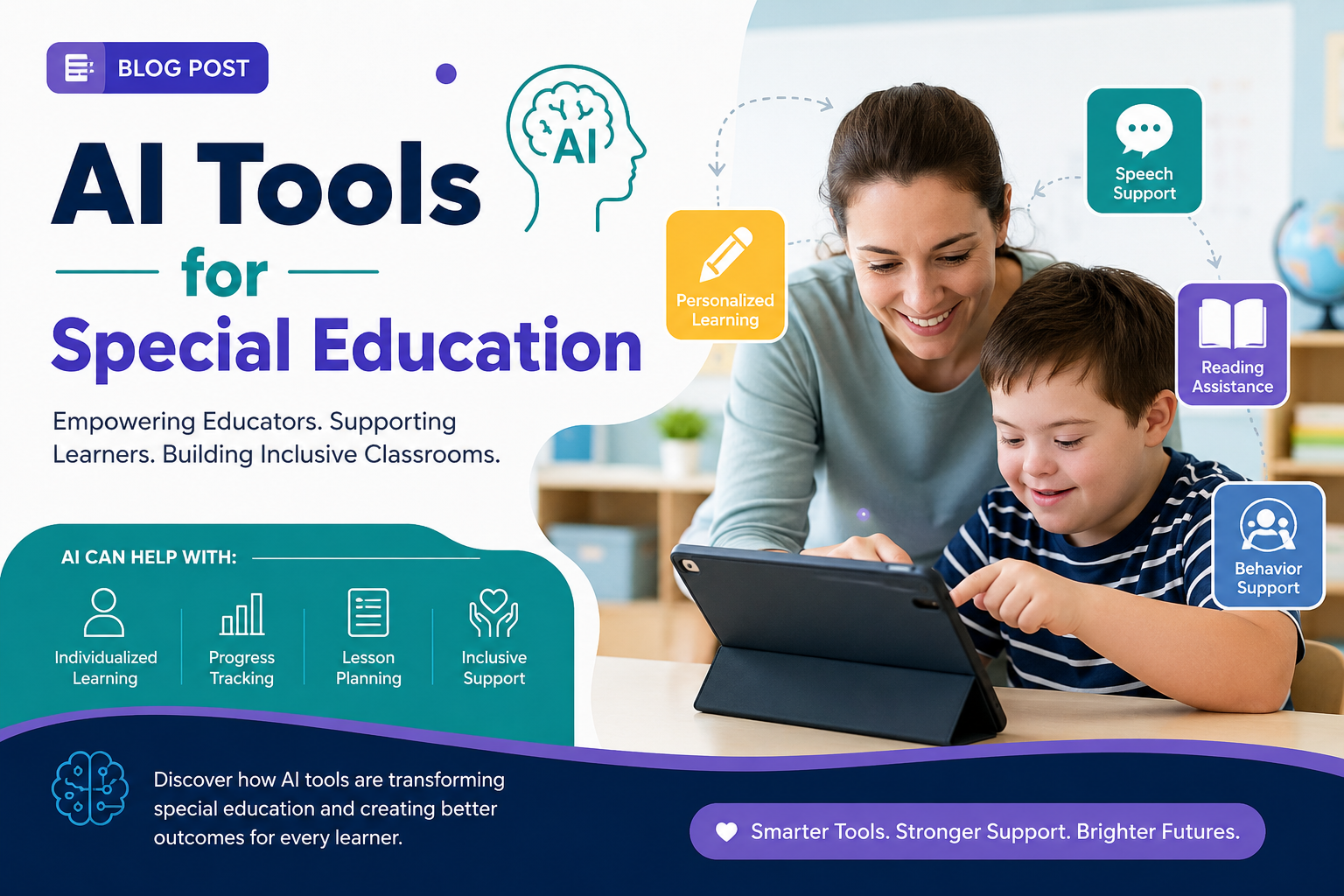
Special education teachers carry one of the heaviest paperwork loads in any school building, and it’s exactly the kind of repetitive, detail-heavy work that AI tools for special education are starting to help with. This article looks at what these tools actually do well: drafting goal language, generating differentiated materials, speeding up paperwork and where they stop, because in this field, “where they stop” matters more than in almost any other subject.
One thing to be clear about before anything else: nothing in this article replaces a case manager, a school psychologist, or your district’s IEP process. Every draft an AI tool produces here is exactly that a draft, meant to be reviewed by a qualified professional before it becomes part of an official document.
Quick-Answer Box: Where AI Helps vs. Where It Doesn’t
| Task | AI Can Help | Professional Must Review |
| First-draft IEP goal language | Yes | Always, before finalizing |
| Differentiating a worksheet | Yes | Spot-check for accuracy |
| Progress note formatting | Yes | Yes data must be verified |
| Legal compliance decisions | No | Case manager / district only |
| Behavior plan strategy | Draft ideas only | IEP team decision |
This table is the core idea behind every tool covered below: ai tools for special education are drafting assistants, not decision-makers.
Read more: ai worksheet generator
AI IEP Goal Assistant Tools
The most common use case I tested was an ai iep goal assistant a tool that takes a present-level statement and a target skill, then drafts measurable goal language in the standard format (condition, behavior, criteria, timeline).
What worked: the drafts were well-structured and saved real time on the wording that follows a predictable template the kind of language every case manager rewrites slightly differently but that always needs to hit the same legal checkpoints.
What didn’t: the tool has no idea what’s actually realistic for the specific student. Twice during testing, the suggested criteria were more ambitious than what the student’s actual progress data supported. This is exactly why an ai iep goal assistant belongs in the drafting stage only a case manager who knows the student has to adjust every number before it goes anywhere near a signed IEP.
Tools Built for the SPED Classroom
Beyond IEP goals, I tested a handful of sped teacher tools aimed at daily classroom tasks, visual schedule generators, social story templates, and behavior tracking sheet builders.
These lower-stakes tools are where AI earns its keep fastest. A visual schedule or a first-draft social story doesn’t carry the same legal weight as an IEP goal, so the review bar is lower; you’re checking for tone and clarity, not compliance. I built three social stories this way and only had to rewrite a handful of sentences that felt too clinical for the age group.
Differentiation for Special Needs Students
Differentiation for special needs students is where I saw the clearest day-to-day time savings. Instead of manually rewriting a worksheet into a simplified version, a picture-supported version, and an extension version, I fed the original material to an AI tool and asked for all three side by side.
The output needed editing every time sometimes the “simplified” version stripped out content that was actually necessary, and sometimes the reading level didn’t match what I asked for. But editing three drafts is still faster than writing three worksheets from scratch, and that gap is the entire case for using AI here.
MagicSchool IEP Tools: A Closer Look
Among the dedicated platforms, magicschool iep tools stood out because they’re built specifically around the IEP workflow rather than general classroom content. The tool offers templates for present-level statements, goal drafting, and accommodation lists that follow common IEP formats.
In testing, the goal drafts were usable starting points about 70% of the time the rest needed real rewording, either for specificity or to better match the student’s actual data. The accommodation list generator was more consistently useful, since accommodations tend to follow standard, well-documented categories (extended time, preferential seating, assistive technology) that AI handles reliably.
real student data check your district’s data privacy policy first.
Read more: ai report card comments
Special Education Paperwork Help
Paperwork is the single biggest time drain reported by the special education teachers I talked to while researching this piece, which is why special education paperwork help was the use case I spent the most time testing.
The clearest win was formatting turning rough progress notes into the structured format a district requires, or converting a bullet list of observations into a properly formatted narrative. AI is genuinely fast at this kind of reformatting, and the risk is low because you’re checking wording, not generating new claims about a student.
The riskier use was letting AI summarize a batch of data points into a progress statement. I tested this twice and caught one instance where the tool rounded a percentage in a way that changed the meaning of the trend. That’s a small error with real consequences in an IEP file, and it’s the clearest argument in this entire article for reviewing every AI-assisted paperwork task against your actual source data before it’s filed.
Why Professional Review Isn’t Optional Here
Every section above repeats some version of the same warning, and that’s intentional. Ai tools for special education work well as a first pass; they save time on formatting, drafting, and generating options. They do not know your student, your district’s compliance requirements, or the legal weight of the document they’re drafting for. A case manager, special education coordinator, or the IEP team has to be the last set of eyes on anything that touches an official record.
What I’d Tell a Colleague Trying This for the First Time
If you’re a case manager or SPED teacher considering any of this, start small.That gap gives you time to see where a specific tool tends to make mistakes, which matters more than any general review, because every platform has its own quirks.
It’s also worth talking to your district before you start.Never paste identifiable student information into a general-purpose AI tool unless your district has explicitly approved that specific platform for that specific use.
Frequently Asked Questions
Is an ai iep goal assistant safe to use for real IEPs? Only as a drafting step. Every goal, criterion, and timeline needs review by a case manager who knows the student’s actual data before it’s finalized.
What sped teacher tools are lowest-risk to start with? Visual schedules, social stories, and general classroom materials content with no legal or compliance weight are the safest starting point for building trust with these tools.
Can AI actually help with differentiation for special needs students? Yes, for generating first-draft versions at different levels. You still need to check reading level, content accuracy, and whether anything essential was accidentally simplified away.
Are magicschool iep tools worth trying? They’re worth testing with mock data first. The accommodation list generator was the most consistently reliable feature in my testing; goal drafts needed more editing.
Bottom Line
AI tools for special education can genuinely lighten the paperwork load, but this is one corner of teaching where the “draft first, verify always” rule isn’t optiona it’s the whole point. Use these tools to save time on the first pass, and keep a qualified professional as the final check on anything that becomes part of a student’s official record.
Tested in July 2026 using mock student data, not real student records. I’ll keep updating this post as tools and district policies change. Reach out if you have questions about how a specific tool fits your setting.
Disclosure: Some links on this site may be affiliate links, which help support this blog at no extra cost to you.
Read more: ai parent communication