
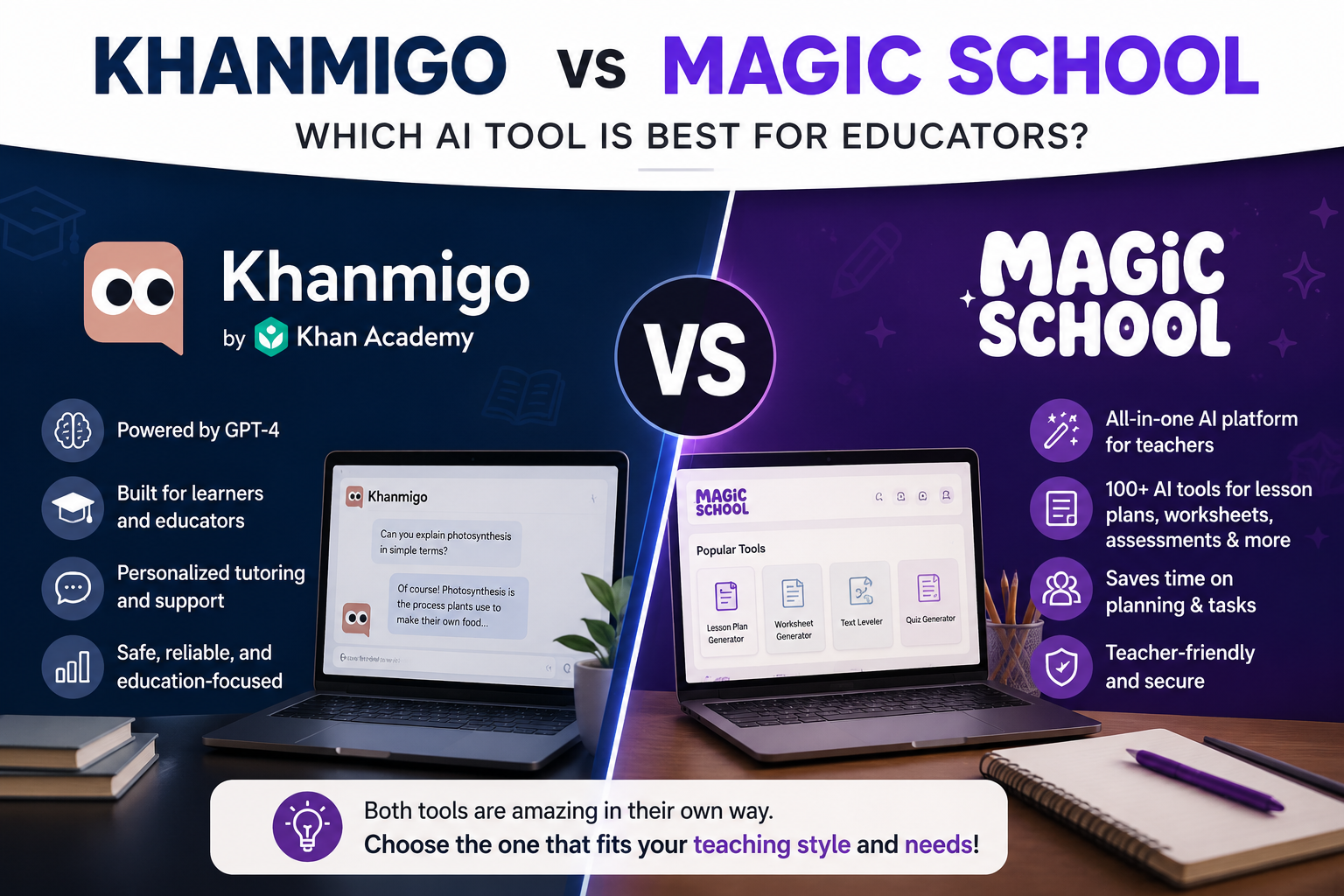
If you’ve typed “Khanmigo vs MagicSchool” into Google recently, you’re not alone. With roughly 60% of K-12 teachers now using AI in some form, these two platforms have emerged as the biggest names in classroom AI and choosing between them is one of the most common questions educators ask.
Here’s the short answer: they’re built for two very different jobs.MagicSchool is a teacher productivity suite with more than 80 tools. The Khanmigo vs MagicSchool debate isn’t really about which one is “better” it’s about which problem you’re trying to solve.
In this guide, we’ll break down both platforms feature by feature so you can decide which one (or both) belongs in your workflow this school year.
What Is Khanmigo?
The standout feature? Its Socratic teaching style. Instead of handing students answers, Khanmigo asks guiding questions that push them to think through problems themselves. For teachers worried about AI becoming a homework-cheating machine, this design choice matters a lot.
On the teacher side, Khanmigo offers lesson planning support, quiz generation, rubric creation, and student progress insights. And here’s the kicker: Khanmigo has been completely free for U.S. teachers since May 2024, thanks to a partnership with Microsoft and free teacher access now extends to dozens of countries.
Read more: Home
Khanmigo at a glance:
- Built by: Khan Academy (a nonprofit)
- Best for: Student tutoring, classrooms already using Khan Academy
- Teaching style: Socratic guides rather than answers
- Price: Free for teachers; student access around $4/month for families
- Standout strength: Safe, curriculum-grounded AI tutoring
What Is MagicSchool?
MagicSchool takes the opposite approach. Rather than tutoring students, it focuses on rescuing teachers from the mountain of administrative work that eats their evenings. Think of it as ChatGPT with training wheels and templates purpose-built for education.
The platform offers 80+ specialized tools, including:
- Lesson Plan Generatora genuinely useful free AI lesson planner that drafts standards-aligned plans in seconds
- IEP Generator the feature special education teachers rave about most
- Text Leveler rewrites any passage for different reading levels
- Rubric Maker, Quiz Builder, and Worksheet Generator
- Parent communication drafts in dozens of languages
MagicSchool also launched MagicSchool for Students, a supervised student platform featuring Raina, its AI chatbot, which teaches AI literacy alongside subject content. Teachers report saving anywhere from 3 to 7 hours per week using the platform.
MagicSchool at a glance:
- Built by: MagicSchool AI (a venture-backed company)
- Best for: Lesson prep, differentiation, IEPs, admin tasks
- Price: Free tier available; Plus plan around $8.33/month billed annually
- Standout strength: Breadth if a teacher task can be automated, there’s probably a button for it
Khanmigo vs MagicSchool: Head-to-Head Comparison
Let’s put Khanmigo vs MagicSchool side by side.
Read more: AI Tool Reviews
1. Core Purpose
This is the biggest difference in the entire Khanmigo vs MagicSchool matchup. Khanmigo goes deep on student learning; MagicSchool goes wide on teacher productivity. Khanmigo sits with your students while they work. MagicSchool sits with you while you plan.
2. Lesson Planning
If you need a free AI lesson planner that works with your district’s materials not just Khan Academy’s MagicSchool wins this round. Khanmigo’s planning tools shine brightest when your class already runs on Khan Academy content.
3. Student Tutoring
Here Khanmigo dominates. Its Socratic method, curriculum grounding, and Khan Academy’s trusted content library make it the gold standard for student-facing AI. MagicSchool’s Raina chatbot is solid for AI literacy, but it isn’t connected to a world-class content library the way Khanmigo is. In the Khan Academy AI vs MagicSchool tutoring conversation, Khan Academy’s tool takes the crown.
4. Differentiation and Special Education
MagicSchool pulls far ahead here. The IEP Generator, behavior plan drafts, and Text Leveler are tools Khanmigo simply doesn’t attempt. For SPED and inclusion teachers, this category alone often settles the Khanmigo vs MagicSchool question.
5. Pricing
Khanmigo is 100% free for teachers with no premium teacher tier to upsell. MagicSchool’s free plan covers a solid subset of tools, with Plus unlocking the full library at roughly $99.96/year. If budget is zero, Khanmigo is the safer bet; if you need the IEP Generator, MagicSchool Plus earns its price.
6. Privacy and Safety
Both platforms take student data seriously. MagicSchool holds SOC 2 certification and complies with FERPA, COPPA, and GDPR, and it’s Common Sense Privacy verified. Khanmigo benefits from Khan Academy’s nonprofit reputation and built-in guardrails, including teacher visibility into student-AI conversations. This one’s essentially a tie both clear the bar most districts require.
7. Language Support
MagicSchool supports 24 interface languages and can translate output into nearly 100 languages, making it a strong pick for multilingual classrooms. Khanmigo is more limited outside its core markets.
Quick Comparison Table
| Feature | Khanmigo | MagicSchool |
| Primary focus | Student tutoring | Teacher productivity |
| Number of tools | Focused set | 80+ |
| Teacher price | Free | Free tier + $99.96/yr Plus |
| Tutoring style | Socratic method | Raina chatbot |
| IEP support | No | Yes (standout feature) |
| Curriculum | Khan Academy library | Curriculum-agnostic |
| Best for | Math/science tutoring | Lesson prep & SPED |
Read more: whether using AI counts as cheating
Which One Should You Choose?
Every honest MagicSchool comparison ends the same way: it depends on your role and your pain point.
Choose Khanmigo if:
- Your classroom already uses Khan Academy
- You want a safe, free AI tutor students can use independently
- You teach math or science, where Khan Academy’s library is deepest
- You want a nonprofit-built tool with zero cost and zero upsell
Choose MagicSchool if:
- Lesson prep and paperwork are drowning you
- You’re a special education or inclusion teacher (the IEP Generator is worth it alone)
- You teach a multilingual classroom
- You want one platform that covers both teacher tools and a student workspace
Choose both if: you can. Since Khanmigo is free for teachers and MagicSchool has a capable free tier, many educators run them together MagicSchool for planning Sunday night, Khanmigo for tutoring Monday morning. In the search for the best free AI for teachers, “both” is a legitimate answer.
Common Questions
Is Khanmigo really free for teachers? Yes. U.S. teachers get full access at no cost, and free access has expanded to teachers in dozens of other countries.
Can students use MagicSchool directly? Yes MagicSchool for Students provides a supervised environment where teachers control which tools students can access.
Which is better for homeschooling? Khanmigo, hands down. Its integration with Khan Academy’s self-paced courses makes it ideal for independent learners, though parents pay a small monthly fee for student accounts.
Do I need training to use either tool? Not really. MagicSchool is famously beginner-friendly no prompt engineering required. Khanmigo is equally intuitive if you know your way around Khan Academy.
The Final Verdict
The Khanmigo vs MagicSchool decision comes down to one question: who needs the help most your students or you?
If your students need a patient, always-available tutor that won’t hand them answers, Khanmigo is the clear winner and it costs nothing. If you need hours of your week back from planning, differentiating, and paperwork, MagicSchool is the stronger tool, and its free tier lets you test it risk-free.
The good news? In 2026, you don’t have to pick just one. Start with Khanmigo since it’s free, add MagicSchool’s free tier for planning, and upgrade only if a specific feature like the IEP Generator proves it earns the money. Whichever way you land on the Khanmigo vs MagicSchool question, your students (and your Sunday evenings) come out ahead.
Read more: Tutorials & How-To
Official plan and product information: Khanmigo pricing; MagicSchool pricing. Check the current features, limits, pricing, and eligibility before choosing a plan.