
If you spend your evenings grading essays, building slide decks, and rewriting reading passages for three different levels, you’ve probably heard colleagues debate Brisk vs MagicSchool in the staff room. Both tools promise the same thing to hand you back hours of your week but they go about it in completely different ways.
One lives quietly inside the tabs you already have open. The other is a full destination platform packed with more than a hundred specialized generators. Choosing between them isn’t about which one is “better.” It’s about which one matches the way you actually work.
In this in-depth Brisk vs MagicSchool comparison, we’ll break down features, pricing, integrations, privacy, and real classroom use cases so you can make the call with confidence.
The Core Difference in 30 Seconds
Here’s the fastest way to understand the Brisk vs MagicSchool debate:
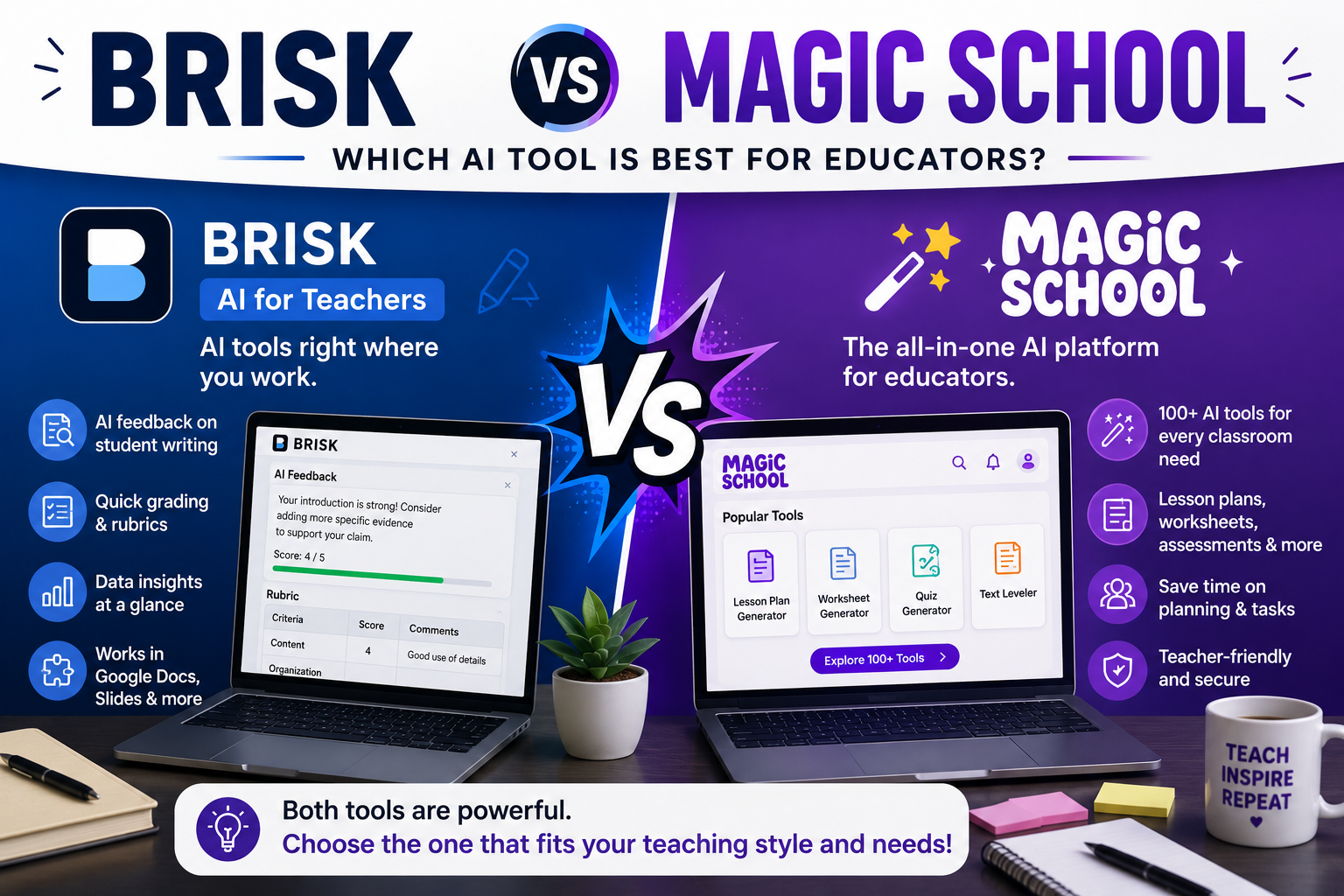
Brisk Teaching is a Chrome (and Edge) extension. It embeds AI directly into Google Docs, Google Slides, Google Forms, Google Classroom, and even Microsoft Word and PowerPoint. You never leave your document a sidebar appears, and the AI works right where you’re typing.
MagicSchool AI is a standalone web platform. You log in to one dashboard and get access to a massive library of purpose-built tools roughly 80+ for teachers and 50+ for students covering everything from lesson plans and rubrics to IEP drafting and behavior intervention ideas.
Read more: brisk teaching review
Think of it this way: Brisk comes to you; you go to MagicSchool. That single distinction drives almost every other difference in this AI tools comparison.
What Is Brisk Teaching?
Brisk Teaching launched as a lightweight browser extension and has grown into one of the most popular pieces of Google Docs AI for teachers. Once installed, Brisk adds a small button to your browser. Open any Google Doc, Slide deck, YouTube video, or webpage, and you can:
- Generate a complete, standards-aligned lesson plan from a topic
- Level a reading passage up or down for differentiation
- Create quizzes in Google Forms from any article or video
- Give personalized, targeted feedback on student essays in bulk
- Inspect a document’s writing history to spot copy-paste behavior
The magic is friction or rather, the lack of it. There’s no copying and pasting between an AI website and your materials. Teachers reviewing the tool consistently note that Brisk’s lesson plans arrive Google Doc-ready and formatted cleanly, which can save half an hour per plan.
What Is MagicSchool AI?
MagicSchool AI has become the biggest name among classroom AI platforms, and for good reason: breadth. Instead of one general assistant, MagicSchool offers dozens of specialized generators, each tuned for a specific educator task. Some highlights:
- Lesson plan, unit plan, and rubric generators
- IEP goal drafting and accommodation suggestions
- Text leveling, translation, and scaffolding tools
- Parent email writers and report card comment helpers
- Raina, a built-in AI chatbot for open-ended requests
- Studio Mode for editing and refining AI output before you export it
- A full suite of student-facing tools with teacher monitoring
For special education teachers, counselors, and anyone whose work goes beyond core content delivery, this catalog depth is hard to beat. There’s very likely a pre-built tool for whatever task landed on your desk this morning.
Brisk vs MagicSchool: Feature-by-Feature Breakdown
1. Workflow and Ease of Use
This is where the Brisk vs MagicSchool question gets personal. If your entire day happens inside Google Workspace, Brisk feels invisible in the best way highlight text, click, done. There’s no separate site to visit and no exporting step.
MagicSchool requires a context switch. You open the platform, pick a tool, fill in a form, generate, then copy or export the result. That’s extra clicks, but the trade-off is guidance: every tool walks you through exactly what inputs it needs, which is ideal for teachers who don’t want to learn.
Winner: Brisk for Google-centric teachers; MagicSchool for structured, guided workflows.
2. Tool Variety
No contest here. MagicSchool’s catalog is the largest of any teacher-focused platform, spanning instruction, communication, special education, and student activities. Brisk offers a leaner set of 20+ tools focused on the highest-frequency tasks: planning, differentiating, quizzing, and feedback.
Winner: MagicSchool, comfortably.
3. Feedback and Grading
Brisk shines brightest here. Because it operates inside the student’s actual Google Doc, it can generate targeted, rubric-aligned comments directly in context and its writing-history inspection adds a layer of academic integrity checking that a standalone platform simply can’t replicate.
Winner: Brisk.
4. Student-Facing Tools
MagicSchool provides a dedicated student environment with monitored AI activities, chatbots, and interactive tools. Brisk remains primarily teacher-side; supporting students directly isn’t its focus.
Winner: MagicSchool.
5. Pricing
Both tools offer genuinely useful free tiers, which is why they dominate so many “best free AI for teachers” lists.
- Brisk: The individual educator tier is free forever and includes the extension plus its core toolset. Paid Premium and Intelligence tiers (with curriculum-aligned outputs and stronger models) are quote-based for schools, so districts should budget for a sales conversation.
- MagicSchool: A functional free tier, with a transparent Plus plan at roughly $8.33/user/month billed annually (about $12.99 month-to-month), plus district licensing.
Winner: Tie Brisk for individual teachers who never want to pay; MagicSchool for schools that want predictable, published pricing.
6. Privacy and Compliance
Both platforms take student data seriously. MagicSchool holds SOC 2, FERPA, COPPA, GDPR, and CCPA compliance along with Common Sense Privacy verification. Brisk matches that stack with FERPA, COPPA, SOC 2, and GDPR compliance and carries one of the highest Common Sense privacy ratings among AI teaching tools.
Winner: Tie. Either choice should satisfy your district’s tech department.
Read more: eduaide ai review
Where People Search for the MagicSchool Chrome Extension
Here’s a common point of confusion worth clearing up: many teachers search for a “MagicSchool Chrome extension” expecting it to work like Brisk. MagicSchool does offer a browser extension, but the platform’s real strength remains its web dashboard the extension is a companion, not the core experience. Brisk, by contrast, is the extension. If in-document AI is the feature you’re chasing, Brisk is the tool actually built around it.
Read more: free AI tools for teachers
Who Should Choose Brisk?
Pick Brisk in the Brisk vs MagicSchool matchup if:
- You live in Google Docs, Slides, Classroom, or Canvas all day
- Essay feedback and grading eat most of your after-hours time
- You want differentiation done inside the original document
- You’d rather have ten excellent tools than a hundred decent ones
Who Should Choose MagicSchool?
MagicSchool is your pick if:
- You write IEPs, behavior plans, or lots of parent communication
- Your school restricts browser extensions on managed devices
- You want student-facing AI activities with built-in oversight
- Transparent per-user pricing matters for your budget
The Honest Answer: Many Teachers Use Both
Both free tiers coexist happily. A very common setup in 2026 is Brisk for daily in-document work leveling texts, generating quizzes, leaving feedback and MagicSchool for specialized jobs like IEP drafts and parent emails. Since neither free plan costs anything, running both for a month is the smartest evaluation you can do.
And if neither feels quite right, the ecosystem of Brisk Teaching alternatives keeps growing Diffit for deep reading-level adaptation, Khanmigo for student tutoring, Eduaide, TeachQuill, and Canva for Education all serve overlapping needs. The market for classroom AI platforms is more competitive than ever, which is great news for your workload.
Final Verdict on Brisk vs MagicSchool
If we’re forced to crown winners: Brisk wins on workflow, MagicSchool wins on breadth. The Brisk vs MagicSchool decision ultimately comes down to a single question do you want AI woven into the documents you already use, or a comprehensive toolkit one tab away?
Whichever you choose, the real victory is the same: fewer Sunday nights lost to prep work, and more energy left for the part of teaching no AI can do being present with your students.
Read more: diffit review
Official plan and product information: Brisk Teaching; MagicSchool pricing. Check the current features, limits, pricing, and eligibility before choosing a plan.