
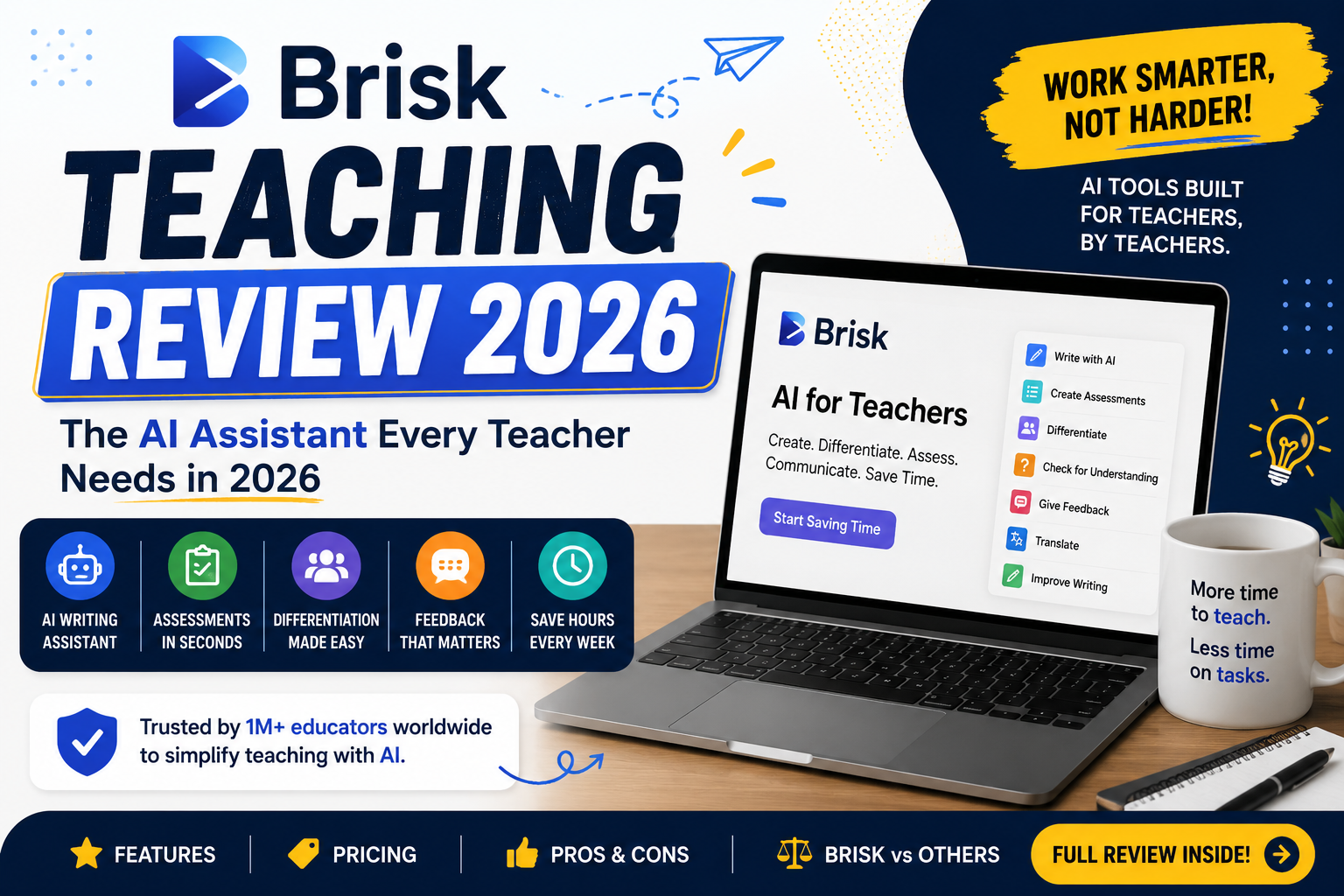
If you’re a teacher drowning in grading, lesson planning, and endless paperwork, you’ve probably heard whispers about Brisk in the staff room. But does it actually live up to the hype? In this in-depth Brisk Teaching review, we’ll break down exactly what this tool does, what it costs, where it shines, and where it falls short so you can decide whether it deserves a spot in your browser.
What Is Brisk Teaching?
Brisk Teaching is an AI-powered browser extension built specifically for educators. Unlike standalone AI platforms that force you to jump between tabs, the Brisk AI Chrome extension works as an invisible layer on top of the tools you already use every day Google Docs, Google Slides, Google Forms, Google Classroom, Canvas, and even YouTube.
Think of it this way: instead of copying a student’s essay into a separate AI tool, waiting for output, and pasting feedback back into the document, Brisk lets you generate feedback, quizzes, lesson plans, and leveled texts directly inside the page you’re already viewing. That “in-context” design philosophy is the single biggest reason this Brisk Teaching review exists teachers genuinely rave about how frictionless it feels.
The extension currently offers 30+ AI tools covering four main categories: creating instructional materials, giving feedback, adapting content to different reading levels, and analyzing student work.
Read more: magicschool ai review
Key Features Worth Knowing
Before we get deeper into this Brisk Teaching review, let’s look at the standout features that define the tool in 2026.
1. AI Feedback on Google Docs
This is Brisk’s crown jewel. Open a student essay in Google Docs, click the Brisk icon, choose a feedback style (glow and grow, rubric-based criteria, or next steps), and the extension generates targeted, personalized comments in seconds. For teachers with 120+ essays to grade, AI feedback on Google Docs isn’t a gimmick it’s a genuine time-saver that can reclaim entire weekends. You always review and edit before anything reaches a student, which keeps the teacher firmly in control.
2. Inspect Writing (Writing Integrity)
Rather than relying on unreliable AI detectors, Brisk replays the version history of a Google Doc so you can literally watch how a student’s essay came together keystroke by keystroke. Large chunks of pasted text become instantly visible. It’s one of the most teacher-friendly approaches to academic integrity on the market.
3. Instant Resource Creation
Point Brisk at any webpage, article, or YouTube video and it can generate quizzes, exit tickets, discussion questions, Google Slides decks, and full lesson plans from that source material. The 2026 updates have noticeably improved slide generation quality, with decks that need far less cleanup before they’re classroom-ready.
4. Reading Level Adjustment & Translation
Differentiation is where many teachers burn hours. Brisk can take any article and instantly rewrite it at multiple reading levels or translate it making the same content accessible to your advanced readers, struggling readers, and multilingual learners at once.
5. Brisk Boost Features
Brisk Boost is the student-facing side of the platform, and it’s one of the most talked-about additions. With Brisk Boost features, teachers can turn any article, video, or document into an interactive, AI-guided learning activity think tutoring-style chat sessions, comprehension boosts, and guided practice built from your own curriculum materials. Students engage with the content through conversational activities while teachers monitor progress. It transforms passive reading assignments into something closer to a one-on-one tutoring session, without the teacher having to build anything from scratch.
Is Brisk Teaching Free?
This is one of the most common questions, so let’s answer it clearly: yes and this is a huge part of Brisk’s appeal. So, is Brisk Teaching free forever, or just a trial? The core version is genuinely free for individual educators, with access to 20+ AI tools, though the free tier does come with usage limits. New users typically get a 14-day premium trial, and when it ends, you can simply continue on the free plan without ever entering a credit card.
Read more: 6 best free ai tools for teachers
For many teachers, the free plan covers the essentials: feedback generation, quiz creation, presentation building, and leveling texts. If you’re just testing the waters, there’s zero financial risk which is more than can be said for many competing platforms.
Read more: magicschool ai vs eduaide
Read more: free AI tools for teachers
Brisk Teaching Pricing Breakdown
If you outgrow the free tier, here’s how Brisk Teaching pricing currently looks:
Free Plan $0. Access to 20+ core tools with monthly usage limits. Perfect for casual users or teachers who only need AI help occasionally.
Educator Pro $99.99/year. Unlocks higher usage limits, detailed grading rubrics, deeper translation and differentiation options, interactive slide generation, and integrity analytics. That works out to roughly $8.33/month, which makes it one of the more affordable premium AI tools in education.
School & District Plans Custom pricing. Based on enrollment size, these plans add admin dashboards, training, and data agreements. Notably, recent Brisk Teaching pricing adjustments have leaned toward favoring school-wide licenses over individual subscriptions, so if you love the tool, it’s worth nudging your admin to explore a site license.
The Pros: What Makes Brisk Stand Out
No Brisk Teaching review would be complete without an honest pros-and-cons assessment. Here’s what genuinely impresses:
It lives where you work. The Brisk AI Chrome extension model means zero app-switching. If your school runs on Google Workspace, Brisk feels like a natural superpower added to tools you already know.
Speed. Feedback that once took 10 minutes per essay now takes under a minute to generate and personalize. Multiply that across a full class set and the time savings are staggering.
Generous free plan. Unlike tools that lock everything meaningful behind a paywall, the free version is actually usable long-term.
Teacher-first design. Every tool keeps the educator in the loop. Brisk drafts; you decide. Nothing goes to students without your review.
Strong privacy posture. FERPA and COPPA compliance makes it one of the easier tools to get approved at the district level.
The Cons: Where Brisk Falls Short
To keep this Brisk Teaching review balanced, here are the legitimate drawbacks:
Google-centric. Brisk is Chrome-extension-first and built around Google Workspace. If your school runs on Microsoft 365, you’ll find it far less useful tools like MagicSchool or Microsoft’s Copilot for Education may serve you better.
Smaller tool catalog than competitors. MagicSchool offers a broader library of AI tools. Brisk trades breadth for workflow depth.
Usage limits on the free plan. Heavy users will bump into monthly caps and feel the pull toward the paid tier.
Content adaptation depth. For serious differentiation with vocabulary tier breakdowns, Diffit still holds an edge.
Student tutoring is secondary. Despite Brisk Boost features improving each year, Brisk remains teacher-side first. For dedicated student tutoring, Khanmigo is the stronger pick.
Read more: AI tools and student data privacy
Brisk vs. the Competition
How does Brisk stack up against the other big names in classroom AI? In short: Brisk wins on workflow speed inside Google Workspace, MagicSchool wins on tool variety, Diffit wins on content adaptation, and Khanmigo wins on student-facing tutoring. Most reviewers agree that Brisk has the smallest visible footprint of the four but arguably the smoothest day-to-day experience for Google-based classrooms. That’s a recurring theme across nearly every independent Brisk Teaching review published this year.
Who Should Use Brisk Teaching?
Based on everything covered in this Brisk Teaching review, the tool is a clear win for:
Teachers who live in Google Docs, Slides, and Classroom; educators buried under essay grading who want fast, editable AI feedback on Google Docs; schools seeking an affordable, privacy-compliant AI solution; and teachers who want to differentiate reading materials without hours of manual rewriting.
It’s a weaker fit for Microsoft 365 schools, teachers wanting one mega-platform for every possible use case, and classrooms focused primarily on student-driven AI tutoring.
Final Verdict: Is Brisk Teaching Worth It?
After weighing the features, pricing, strengths, and limitations in this Brisk Teaching review, the verdict is a confident yes for the right teacher. The free plan alone delivers real value, the $99.99/year Pro tier is fairly priced, and the in-context design genuinely changes how grading and planning feel day to day.
Brisk won’t replace your judgment as an educator and it doesn’t try to. It simply strips away the repetitive layers of teaching workload so you can spend more energy where it matters: with your students. If you work in Google Workspace, install the free extension, run it through a week of real lessons, and see the difference for yourself. That hands-on trial will tell you more than any Brisk Teaching review ever could.
Read more: how to create a lesson plan with ai
Official plan and product information: Brisk Teaching official website. Features, limits, pricing, and availability can change; confirm the current details before choosing a plan.