
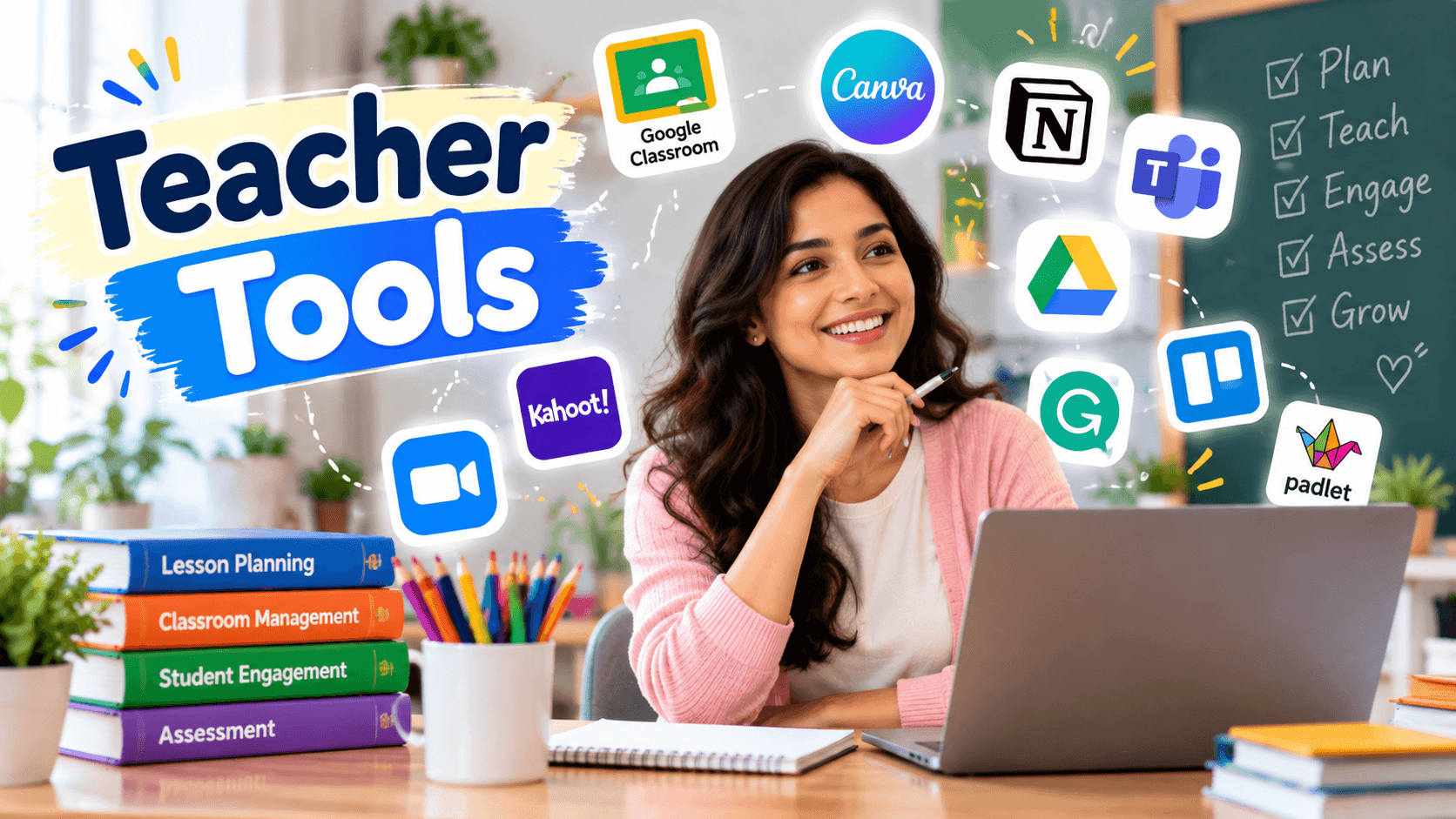
Teaching is one of the most rewarding professions in the world. But it also comes with an overwhelming amount of behind-the-scenes work. From lesson planning and grading to communication and classroom management, educators often find themselves working long hours just to keep up. This is exactly where the right teacher tools come in. With the right set of resources, teachers can save valuable time, reduce stress, and focus more energy on what truly matters, helping students learn and grow.
In this article, we will explore some of the most useful tools available today, how they can transform your daily workflow, and why investing time in learning these platforms is worth it for every educator, whether you are a first-year teacher or a seasoned professional.
Read next: is using ai cheating
Why Teacher Tools Matter More Than Ever
Technology has become an essential part of education, and students expect a more interactive, personalized learning experience. At the same time, teachers are expected to manage larger workloads, track student progress more closely, and communicate with parents more frequently than before.
This is why teacher tools have become so important. They are not just convenient extras, they are practical solutions that help reduce administrative burden, streamline communication, and create more engaging lessons. Without the right tools, teachers risk burnout from spending countless hours on repetitive tasks that could easily be automated or simplified.
Categories of Teacher Tools
To make the most of available resources, it helps to understand the different categories of teacher tools and how each one supports a specific part of the teaching process.
1. Lesson Planning Tools
Creating engaging and organized lesson plans is one of the most time-consuming parts of teaching. Fortunately, several digital devices now make this process much faster. Platforms like Planbook, Common Curriculum, and Google Classroom allow teachers to design, store, and share lesson plans in one centralized location. These tools often come with templates aligned to curriculum standards, which saves hours of manual formatting.
Using lesson planning also makes it easier to collaborate with colleagues. Teachers can share plans across grade levels or subjects, ensuring consistency and reducing duplicated effort.
2. Grading and Assessment Tools
Grading assignments and tracking student performance can quickly become overwhelming, especially in larger classrooms. This is where grading-focused it truly shines. Applications such as Gradescope, Socrative, and Google Forms with auto-grading features allow teachers to assess student work quickly and accurately.
Teachers can identify patterns in student performance, spot learning gaps early, and adjust instruction accordingly. This data-driven approach is one of the biggest advantages of modern it compared to traditional paper-based grading.
3. Classroom Management Tools
Keeping a classroom organized and students engaged requires more than just good teaching skills, it also requires the right systems. Classroom management like ClassDojo, Seesaw, and Kami help teachers track behavior, share updates with parents, and manage digital assignments seamlessly.
Read next: how teachers save time with ai
These platforms often include reward systems that motivate students to stay focused and behave positively. For teachers managing large or diverse classrooms, these teacher tools can be the difference between a chaotic day and a smoothly run lesson.
4. Communication Tools
Clear communication between teachers, students, and parents is essential for student success. Communication-based programs such as Remind, ClassTag, and Bloomz allow teachers to send updates, reminders, and important announcements instantly.
These tools eliminate the need for endless emails or printed notices, making communication faster and more reliable. Parents appreciate real-time updates, and teachers benefit from having a single platform to manage all communication needs.
5. Content Creation and Presentation Tools
Engaging lessons often require visually appealing content. Canva for Education, Nearpod, and Pear Deck allow educators to create interactive presentations, worksheets, and multimedia content without needing advanced design skills.
These tools make lessons more dynamic and help capture student attention, especially in a digital learning environment. Interactive presentations also allow for real-time feedback, making lessons more responsive to student needs.
6. Productivity and Organization Tools
Beyond classroom-specific platforms, general productivity teacher tools like Trello, Notion, and Google Workspace help teachers stay organized with to-do lists, calendars, and file management systems. These tools ensure that important deadlines, meetings, and tasks are never missed.
For teachers juggling multiple classes, extracurricular responsibilities, and administrative duties, these productivity-focused it can significantly reduce daily stress.
How to Choose the Right Tools for Your Classroom
- Identify your biggest pain points. Are you struggling with grading, communication, or lesson planning? Choose tools that directly address your specific challenges first.
- Consider your students’ needs. Younger students may benefit more from visual and interactive tools, while older students might need tools focused on organization and independent learning.
- Check for integration. It often works well together. For example, tools that integrate with Google Classroom can save time by syncing data automatically.
- Start small. Instead of adopting five new platforms at once, introduce one or two tools at a time to avoid overwhelming yourself and your students.
- Read reviews and ask colleagues. Other teachers often have firsthand experience with different tools and can offer honest feedback about what works best in real classrooms.
The Long-Term Benefits of Using Teacher Tools
Investing time in learning and implementing the right pays off significantly over time. Here are some of the key long-term benefits:
Time Savings: Automating repetitive tasks like grading and attendance tracking frees up hours each week that can be redirected toward lesson planning or one-on-one student support.
Reduced Burnout: Teaching is demanding, and burnout is a real concern. By simplifying administrative work, it helps reduce stress and improve work-life balance.
Improved Student Engagement: Interactive and well-organized lessons keep students more engaged, leading to better learning outcomes and a more positive classroom environment.
Better Data Insights: Many modern it provides analytics that help teachers understand student performance trends, allowing for more personalized instruction.
Stronger Parent-Teacher Relationships: Communication tools make it easier to keep parents informed, building trust and encouraging more parental involvement in student learning.
Common Mistakes to Avoid When Using Teacher Tools
While teacher tools offer many benefits, it is important to use them wisely. One common mistake is trying to adopt too many tools at once, which can lead to confusion rather than efficiency. It is better to master a few essential tools before expanding your toolkit.
Another mistake is neglecting proper training. Many platforms offer free tutorials or onboarding sessions, and taking the time to learn these features properly ensures you get the most value out of each tool.
Lastly, some teachers rely too heavily on technology and forget the importance of human connection in the classroom. It should enhance teaching, not replace the personal relationships that make education meaningful.
Final Thoughts
The right teacher tools can transform the way educators plan, teach, and manage their classrooms. From lesson planning and grading to communication and student engagement, there is a tool available for almost every challenge teachers face today.
By carefully selecting tools that align with your specific needs and gradually incorporating them into your routine, you can save time, reduce stress, and create a more engaging learning environment for your students. As technology continues to evolve, staying informed about new it will remain an essential part of effective, modern teaching.
Whether you are just starting your teaching career or looking to refresh your current classroom systems, exploring these tools is a worthwhile investment in both your professional efficiency and your students’ success.
Read next: Khanmigo Review 2026
Related guides
Choosing classroom teaching tools · Tools for classroom efficiency · Seven ways teachers can save time with AI
Further reading: UNESCO guidance on generative AI in education and research.