
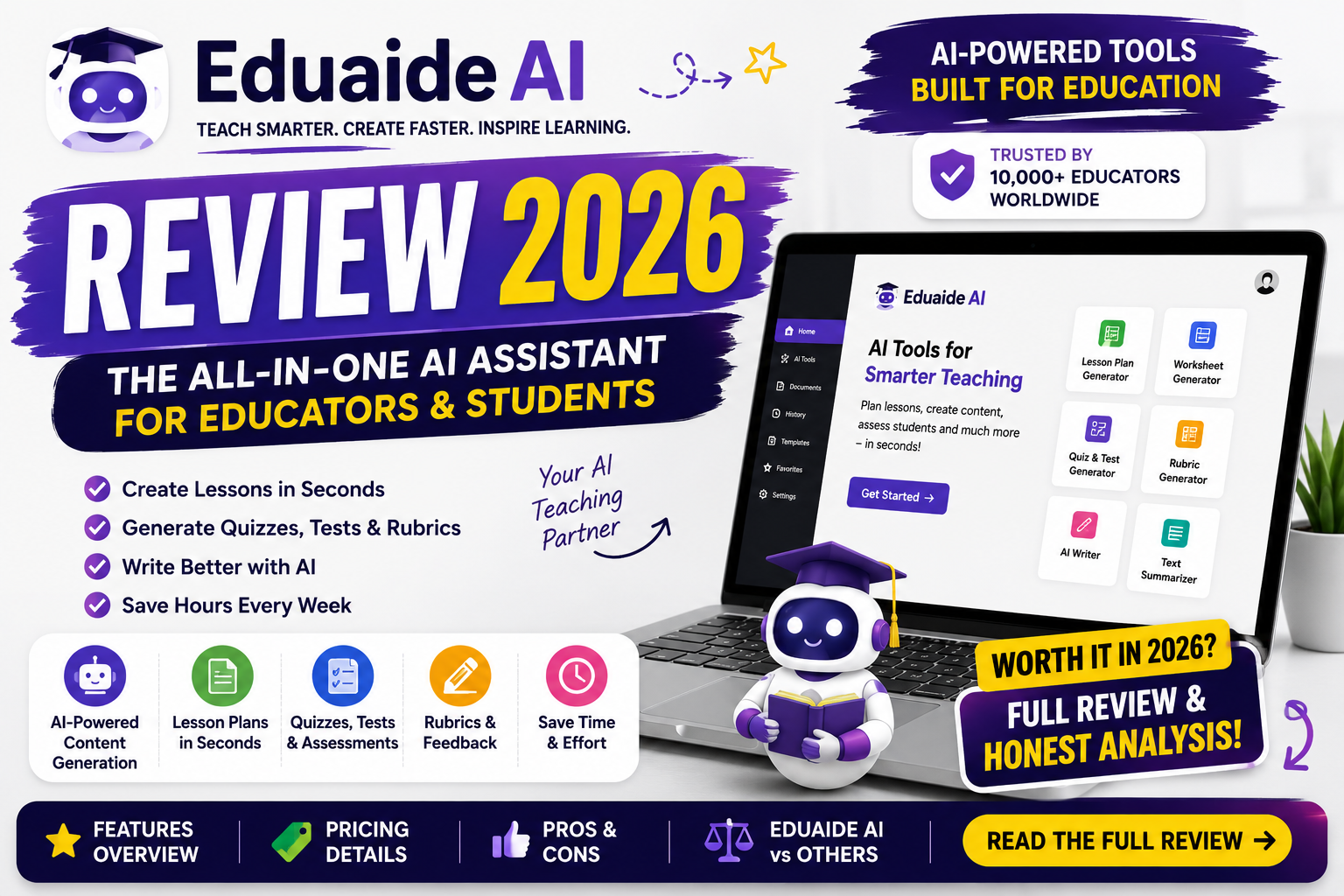
If you’re a teacher drowning in lesson planning, grading, and endless administrative work, you’ve probably heard whispers about Eduaide.Ai in your staff room or teacher Facebook groups. But does it actually deliver? In this detailed Eduaide AI review, we’ll walk through everything you need to know the features, the free plan, the pricing, and whether this platform genuinely earns a place in your teaching toolkit.
Spoiler alert: it’s one of the more impressive tools we’ve tested, but it isn’t perfect. Let’s dig in.
What Is Eduaide.Ai?
Eduaide.Ai is an AI-powered teaching workspace built by two public school teachers who wanted to make high-quality planning tools accessible to every educator.It helps teachers create lesson plans, worksheets, quizzes, graphic organizers, gamified activities, and dozens of other classroom resources in minutes rather than hours.
The platform runs on advanced large language models, but here’s the key difference that makes this Eduaide AI review worth reading: the tool doesn’t just generate text.It structures content around real instructional frameworks, learning objectives, and standards alignment the things actual teachers care about.
Read more: chatgpt prompts for teachers
Eduaide Features: What’s Inside the Platform?
The heart of any Eduaide AI review has to be the feature set, because this is where the platform truly shines. Eduaide offers over 100 resource types organized into a handful of core modules. Here’s what you get.
1. The Content Generator
This is the workhorse of the platform. You choose a resource type lesson seed, exit ticket, vocabulary list, discussion questions, bell ringer, anticipation guide, word wall, and many more enter your topic and grade level, and Eduaide produces a structured, classroom-ready draft. The variety here is genuinely impressive. Where other tools give you five or six templates, Eduaide gives you a full library.
2. The AI Lesson Workshop
The AI lesson workshop is arguably Eduaide’s signature feature. Instead of spitting out a one-size-fits-all lesson, the workshop lets you build a complete lesson plan piece by piece objectives, warm-ups, direct instruction, guided practice, independent work, and assessment. You stay in control of the creative process while the AI handles the heavy drafting. For teachers who want structure without surrendering their professional judgment, the ai lesson workshop is a genuine time-saver and one of the strongest arguments in this entire Eduaide AI review.
3. Teaching Assistant Tools
Beyond lesson content, Eduaide includes tools for the “invisible workload” of teaching: writing emails to parents, drafting IEP accommodation suggestions, creating rubrics, and generating professional communication. These small utilities add up to hours saved every week.
4. Feedback Bot
Grading student writing is one of the most time-consuming parts of the job. Eduaide’s feedback bot generates constructive, personalized feedback on student work, which you can then edit and refine. It’s not a replacement for your eyes, but it’s an excellent first pass.
5. Eduaide Chat and Differentiation Tools
The built-in chat assistant lets you refine any resource conversationally, while differentiation features help you adapt materials for diverse learners including support for more than 15 languages. For special education teachers and those in multilingual classrooms, these eduaide features alone can justify the subscription.
Eduaide Free Plan: What Do You Get Without Paying?
No Eduaide AI review is complete without covering the eduaide free plan, because this is where most teachers will start and honestly, it’s one of the more generous free tiers in the education AI space.
The free plan gives you:
- Around 15 content generations per month
- Access to most resource types in the content generator
- The limited version of the feedback bot
- A full look at how the platform works before spending a dime
Fifteen generations per month won’t sustain a full-time teacher’s planning needs, but it’s more than enough to properly test the platform. Think of the eduaide free plan as an extended trial rather than a long-term solution. If you plan lessons daily, you’ll hit the ceiling quickly which brings us to pricing.
Read more: how to grade essays with AI
Eduaide Pricing: How Much Does It Cost?
Here’s where this Eduaide AI review gets genuinely positive. Eduaide pricing is refreshingly simple and, frankly, cheap compared to competitors.
Eduaide Pro costs around $5.99 per month and unlocks:
- Unlimited content generations
- Full access to all 100+ resource types
- Enhanced feedback bot with longer assignment support
- Full Eduaide Chat access
- Priority access to new features as they roll out
To put that eduaide pricing in perspective, many competing platforms charge $8–$15 per month for similar (or smaller) feature sets. At roughly the cost of a fancy coffee, Eduaide Pro is one of the most affordable premium AI tools a teacher can buy. Some listings also mention annual options around $49.99 per year, which works out even cheaper. School and district licenses are available for teams as well.
The Pros: What We Love
After extensive testing for this is here’s what stands out:
Built by teachers, for teachers. The pedagogical DNA is obvious. Resources follow real instructional logic rather than generic AI fluff.
Massive resource library. Over 100 resource types means you’ll rarely need a second tool for content creation.
Outstanding value. The pricing is hard to beat for unlimited generations.
Genuine time savings. Teachers routinely report cutting planning time from hours to minutes.
Low learning curve. The interface is clean and intuitive no prompt engineering skills required.
The Cons: Where Eduaide Falls Short
AI outputs need review. Like all AI tools, Eduaide can occasionally produce inaccuracies or content that doesn’t perfectly match your curriculum. Always proofread before using materials in class.
Free plan limits are tight. Fifteen generations disappear fast for active planners.
Limited third-party integrations. Eduaide works primarily as a standalone workspace. You’ll export materials rather than pushing them directly into every LMS.
English-centric interface.None of these are dealbreakers, but they’re worth knowing before you commit.
Read more: free AI tools for teachers
Is Eduaide Worth It? Our Honest Verdict
So, after everything covered in this Eduaide AI review is eduaide worth it? For the vast majority of K-12 teachers, curriculum developers, tutors, and special education professionals yes, absolutely.
Here’s the simple math: if Eduaide saves you even two hours of planning per week (and most users report far more), you’re paying roughly $1.50 per month for each hour reclaimed. Few professional tools offer that kind of return. The combination of the ai lesson workshop, the enormous resource library, and the feedback tools makes it a legitimate all-in-one planning companion rather than a novelty.
The teachers who benefit most are those who:
- Plan multiple lessons or subjects each week
- Teach mixed-ability or multilingual classrooms
- Want AI assistance without giving up instructional control
- Are tired of juggling five different single-purpose tools
If you only teach occasionally or already have a settled curriculum you rarely modify, the free plan may be all you ever need and that’s fine too.
How Eduaide Compares to Alternatives
A quick note for context in this is: compared to alternatives like MagicSchool, Diffit, or Teachally, Eduaide holds its own on breadth of resources and wins decisively on price. MagicSchool offers a similarly large toolset, while Diffit specializes in leveled reading materials. If differentiated reading passages are your primary need, Diffit might edge ahead but as a general-purpose teaching workspace, Eduaide’s value proposition is extremely hard to argue with.
Final Thoughts
Wrapping up this Eduaide AI review: this is a rare AI tool that feels like it was actually built by people who understand classrooms because it was. The eduaide features are deep, the pricing is honest, the free plan lets you try before you buy, and the ai lesson workshop respects your expertise instead of replacing it.
Our rating: 4.5 out of 5.
Start with the eduaide free plan, generate a few lessons for next week, and see how it fits your workflow. If it clicks and for most teachers it will the Pro upgrade is one of the easiest $5.99 decisions you’ll make all year.
FAQ
Q: What is the final verdict of this Eduaide AI review? We rate Eduaide 4.5/5 excellent features, unbeatable pricing, and a genuinely useful free tier.
Q: Does Eduaide have a free plan? Yes. The eduaide free plan includes about 15 generations per month with access to most resource types.
Q: How much does Eduaide Pro cost? Eduaide Pro is priced around $5.99/month, with annual options available, and includes unlimited generations.
Q: Is Eduaide safe for student data? Eduaide is a teacher-facing tool students don’t need accounts. Still, avoid entering personally identifiable student information into any AI platform and follow your district’s data policies.
Q: Can Eduaide create full lesson plans? Yes. The ai lesson workshop builds complete, structured lesson plans section by section, which you can edit and export.
Read more: ai quiz generator for teachers
Further reading: Eduaide official tools and plan information.